
Fits Full HD screens exactly
A 1920 × 1080 wallpaper or slide background maps pixel for pixel onto a Full HD display, so nothing is scaled again by the screen.
1920×1080 px is Full HD, the 16:9 size of most monitors, TVs, presentation slides and 1080p video frames. Upload an image, check that the size reads 1920 × 1080, and download. The resize is done in your browser, so your picture is never uploaded.
A 1920 × 1080 wallpaper or slide background maps pixel for pixel onto a Full HD display, so nothing is scaled again by the screen.
Widescreen presentations and 1080p video editors work in 16:9, so the image drops in without bars or cropping.
Large images are resized on your own device. No upload, no watermark and no sign-up.
Choose a JPG, PNG or WebP. High-resolution originals give the cleanest result.
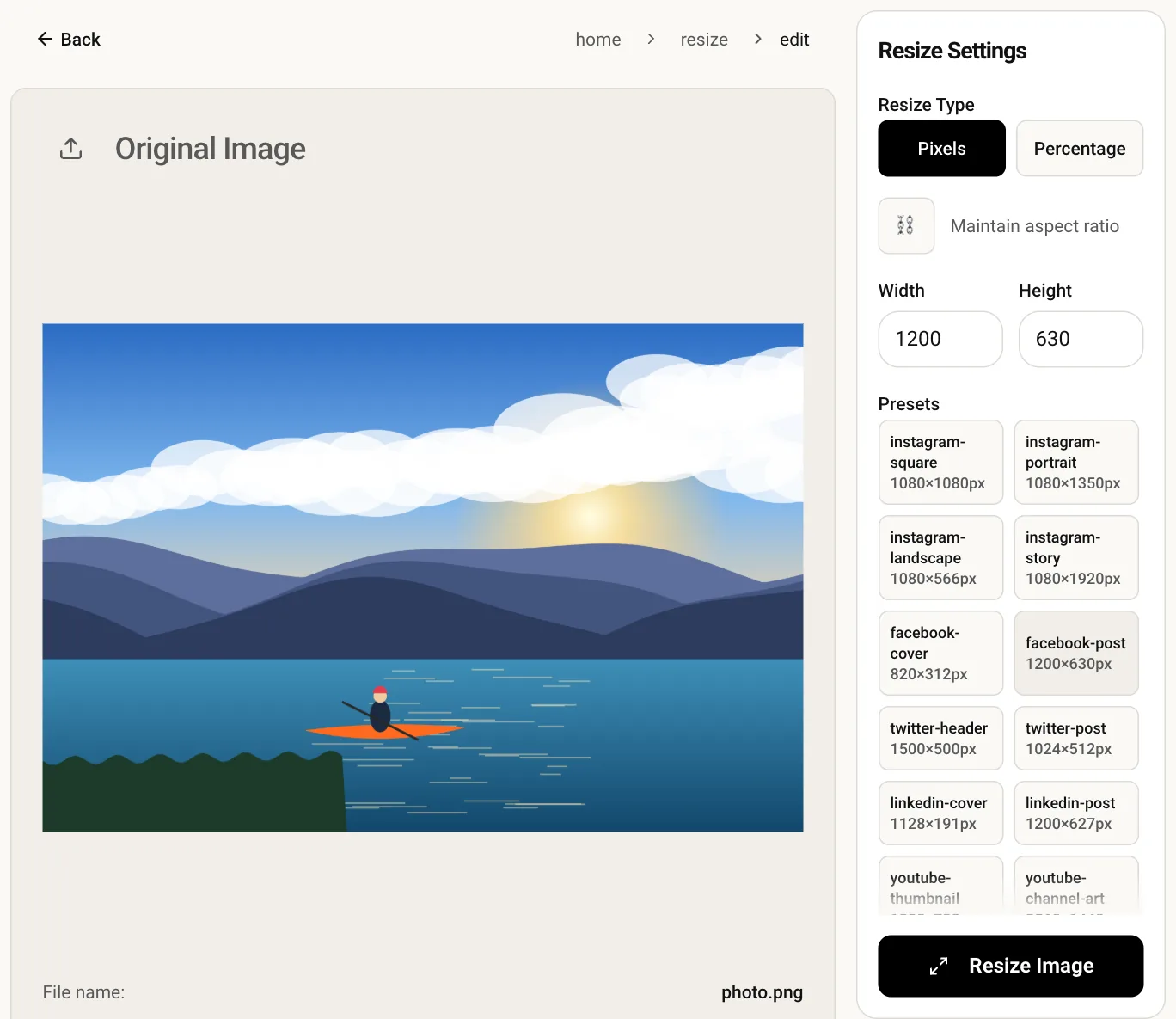
The editor opens with the size already entered and the aspect-ratio lock off.
Resize, check the preview and save the Full HD image.
Yes, all three mean 1920 × 1080 pixels. The label HD on its own usually refers to the smaller 1280 × 720 size.
No. Scaling up cannot create detail the original never had, so it will look soft. Resizing down from a larger photo gives the best result.
A Full HD wallpaper is stretched to fill a 4K screen and will look softer. For 4K, enter 3840 × 2160 in the main resizer instead.
Only after cropping. Resizing to 1920 × 1080 sets those exact numbers and stretches a different shape, so crop to 16:9 with the crop tool before resizing.