
Exact 1:1 output
The file comes out at precisely 1080 × 1080 px, the width Instagram shows feed posts at, so the app has no reason to rescale or re-crop it.
1080×1080 px is a 1:1 square, the original Instagram feed shape and a safe choice for product shots, quote cards and carousel slides that must look identical everywhere. Upload a picture, check that the size reads 1080 × 1080, and download the result. Everything runs in your browser, so the file never leaves your device.
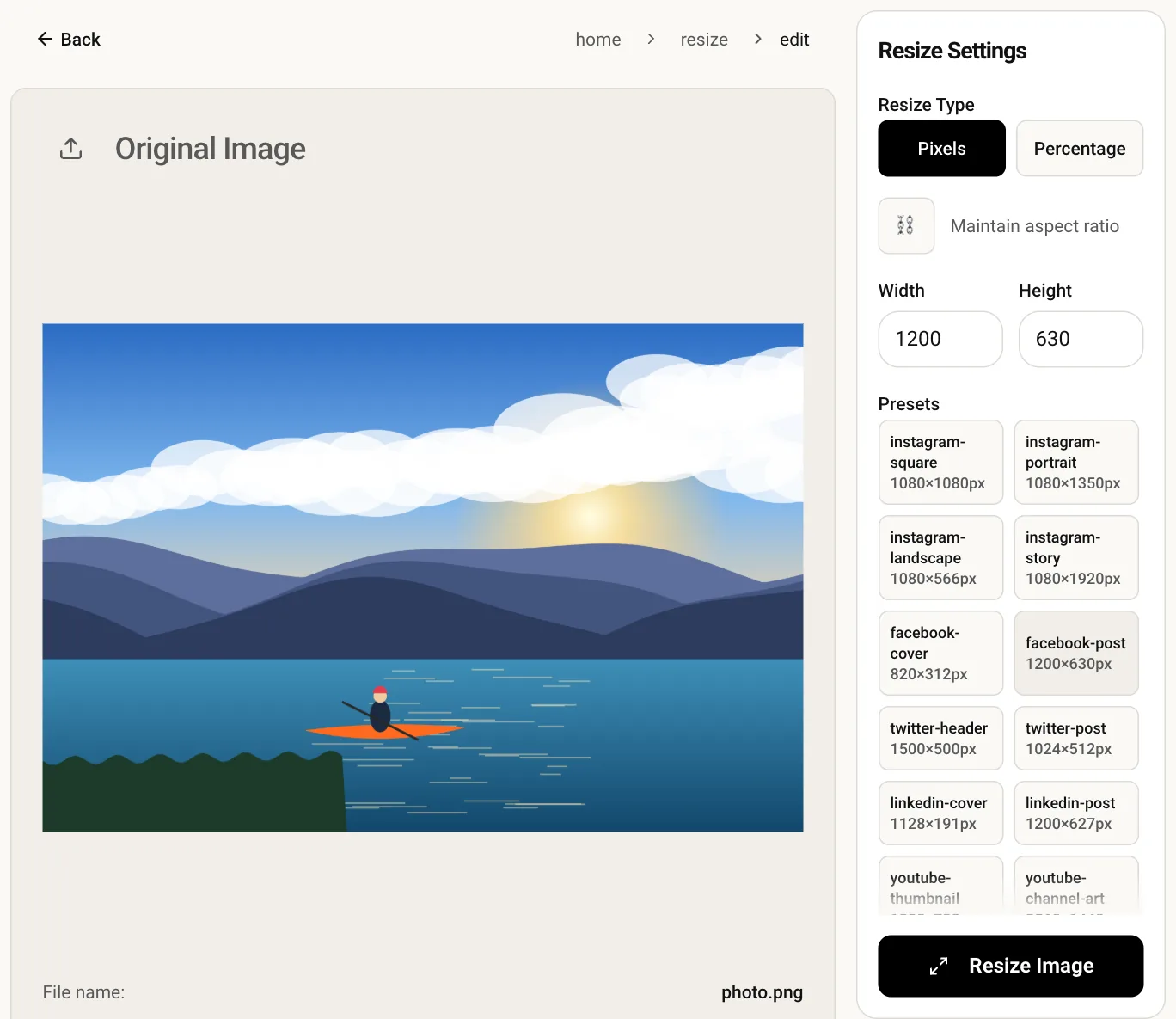
The file comes out at precisely 1080 × 1080 px, the width Instagram shows feed posts at, so the app has no reason to rescale or re-crop it.
Put every slide through the same size and swiping a carousel never jumps between shapes or shifts your layout.
The resize is drawn on a canvas inside your browser tab. No server receives your photo, and there is no sign-up step.
Drop a JPG, PNG or WebP onto the upload box, or pick one from your device.
The editor opens with width and height already filled in and the ratio lock off, so both numbers stay as shown.
Press Resize, look over the preview, then download the square file.
Yes. The preset sets the exact output size, so a 4:3 photo would be squashed into a square. Crop the picture to 1:1 first with the crop tool, then resize it, and proportions stay natural.
Instagram recompresses every upload to save bandwidth. Starting from a sharp 1080 × 1080 file, rather than a smaller one stretched up, gives the compression the most detail to work with.
Feed posts are displayed at roughly 1080 px wide at most, and larger uploads get scaled down anyway. Enlarging a small photo to 1080 does not add detail, so start from the biggest original you have.
Use the Instagram grid splitter instead. It cuts one image into square tiles that line up on your profile, each already sized for posting.