
One size for every vertical app
Stories, Reels, TikTok and Shorts all use a 9:16 canvas, so a single 1080 × 1920 file covers all four.
1080×1920 px is the 9:16 full-screen vertical size used by Instagram Stories and Reels, TikTok and YouTube Shorts. Upload your image, confirm 1080 × 1920, and download. Resizing runs entirely in your browser, so your picture stays on your device.
Stories, Reels, TikTok and Shorts all use a 9:16 canvas, so a single 1080 × 1920 file covers all four.
9:16 fills the screen top to bottom without the letterboxing you get from a square or landscape image.
Your image is processed in the browser tab. It is not sent to a server, and nothing needs to be installed.
Select a JPG, PNG or WebP. A tall picture or a vertical design works best.
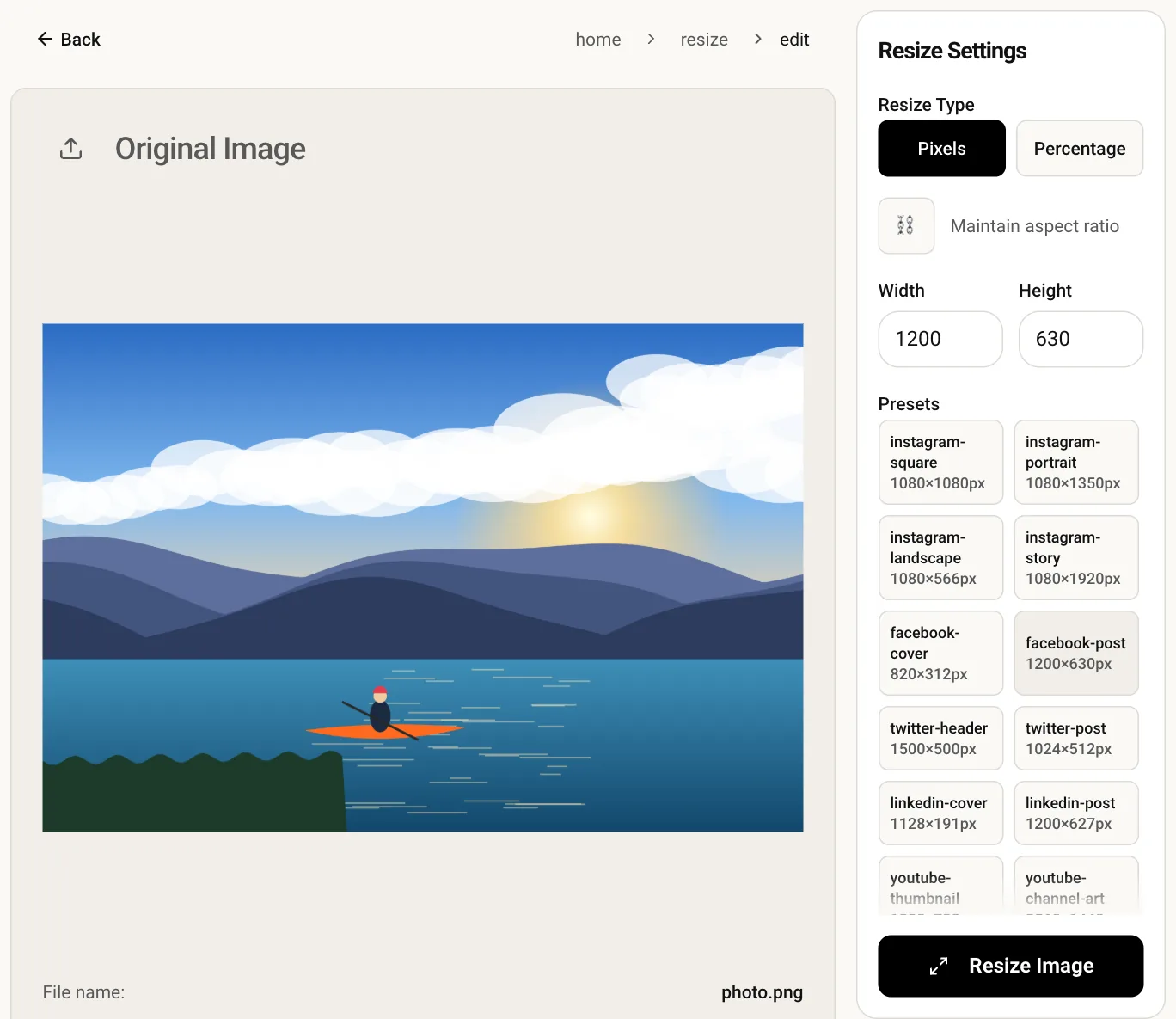
The editor starts with those pixels entered and the aspect-ratio lock off.
Click Resize, glance over the preview and save the full-screen file.
The app draws the profile name and progress bar at the top and the reply box or captions at the bottom. Keep logos and text roughly 250 px away from the top and bottom edges so nothing is hidden.
Directly, no: it would be stretched tall and look wrong. Crop the picture to 9:16 first, or build a vertical layout around it, then resize to 1080 × 1920.
Yes. All of them use a 9:16 canvas and recommend 1080 × 1920 for still images and video frames, so you can reuse the same file.
A picture smaller than 1080 px wide is enlarged by the app, which softens it, and everything is recompressed on upload. Start from a sharp image and resize to 1080 × 1920 here so no extra scaling happens afterwards.