
Image Splitter for Instagram – Grid, Carousel & Photo Cutter
Split pics online for Instagram: make 3-column grid posts, seamless carousel slides, or cut one photo into 2, 3, 4 or more parts, free in your browser.
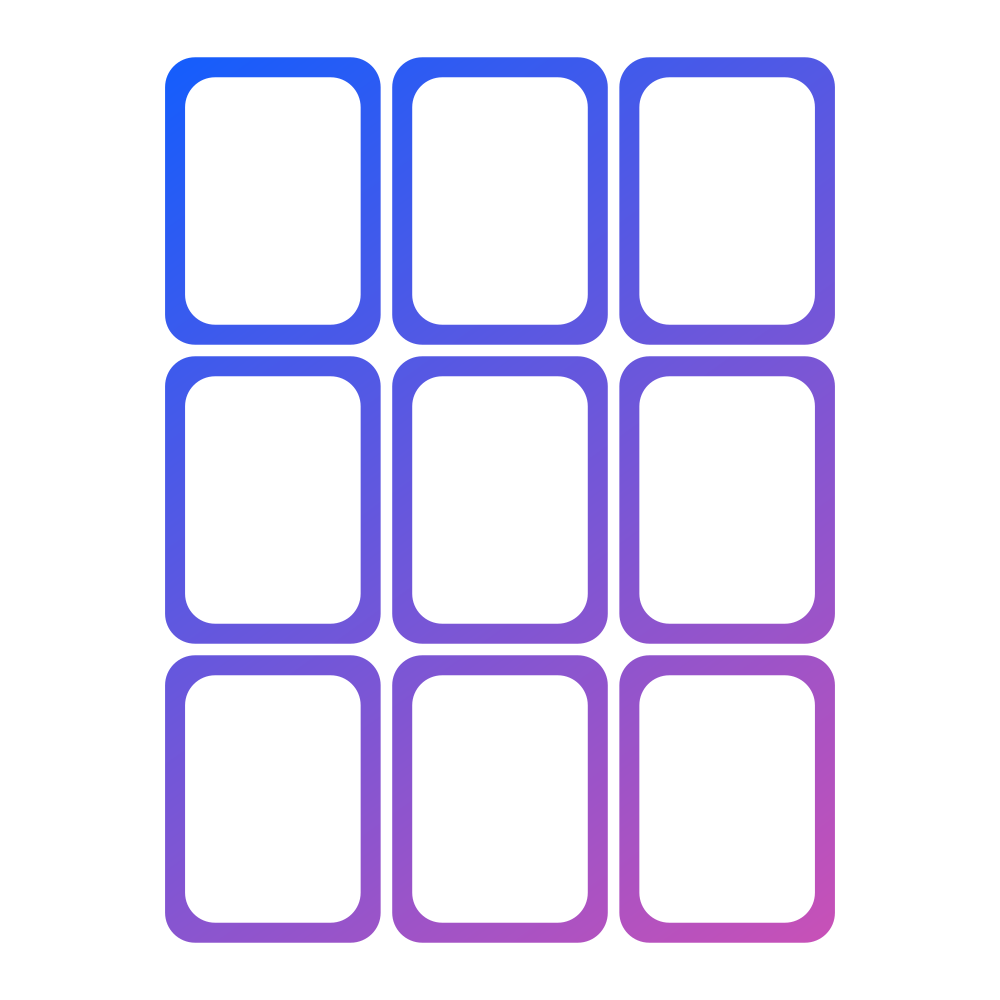
Instagram Grid Maker
Create 3-column Instagram grids with 1–5 rows.
Use our Instagram image splitter to turn one photo into a clean multi-post grid with numbered tiles ready to review before publishing.

Instagram Carousel Splitter
Split wide photos into seamless swipe slides.
Create a seamless carousel by splitting one wide image into multiple Instagram-ready slides.

Split an Image Online into 2, 3 or 4 Parts
Split images into 2, 3, 4, or a custom grid.
Split images online with freeform rows, columns, and custom layouts for posts, tiles, storyboards, and sprite sheets.
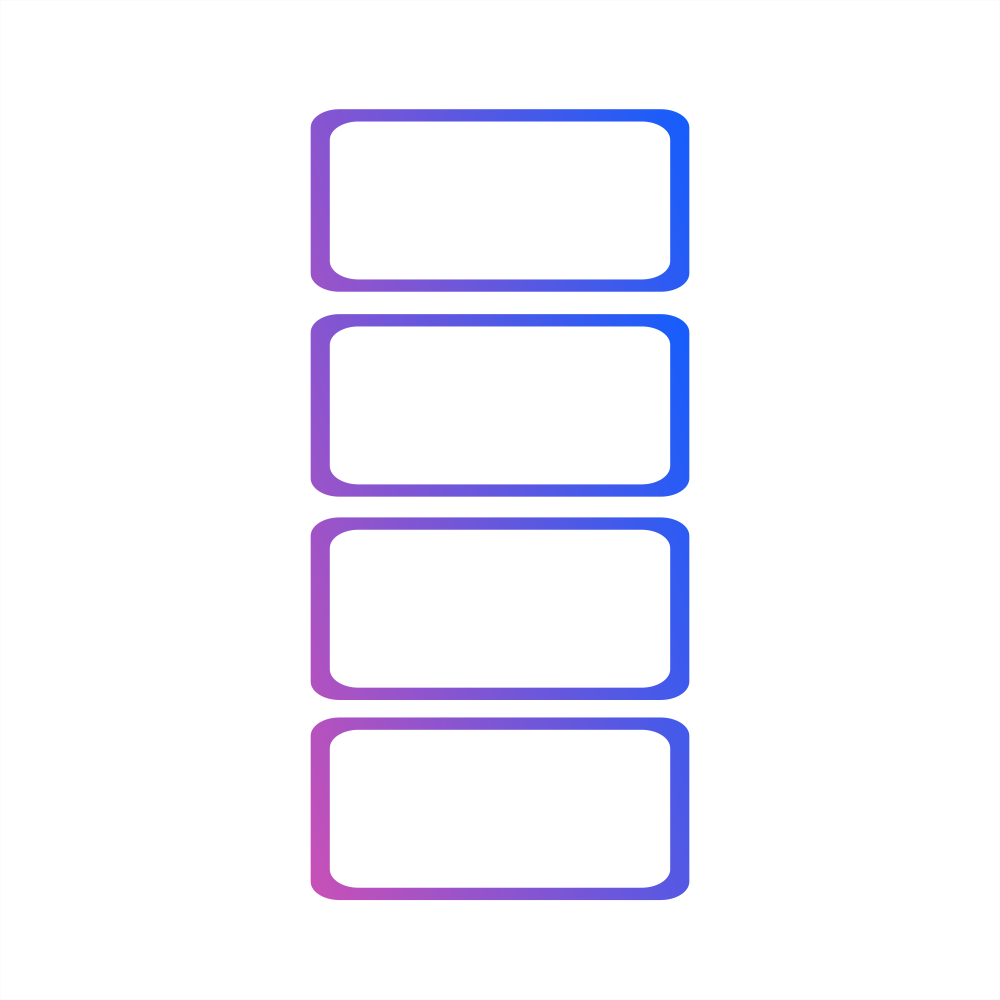
Twitter Image Splitter
Split long images for X threads and Twitter 4 split
Split images for Twitter and X threads into clean 1920x1080 panels for long-image posts and Twitter 4 split workflows.
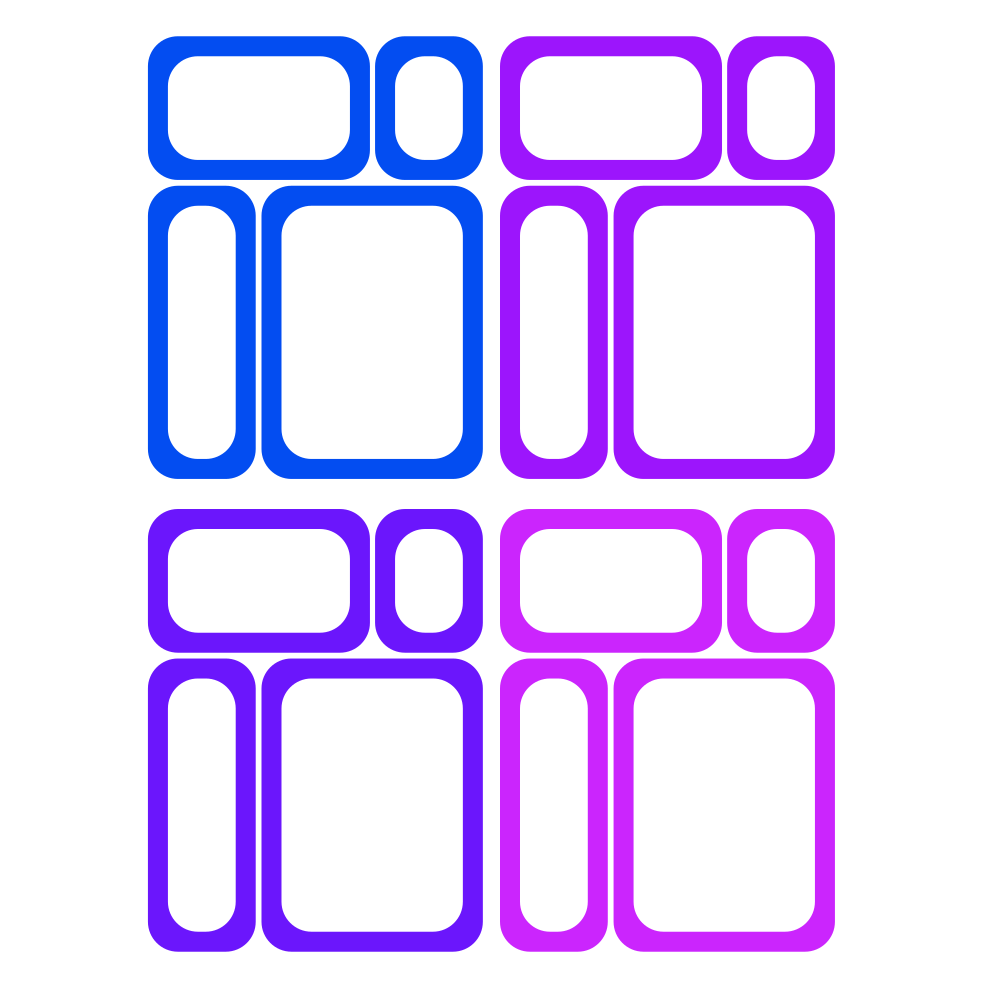
Batch Custom Layout Splitter
Design your own unique grids.
Create asymmetrical layouts and apply them to multiple images at once with Batch Split.
How to split images online
- Step 1
Choose a split mode
Start with our image splitter for Instagram grids and carousels, or jump into advanced layouts for 2, 3, 4, or custom splits.
- Step 2
Upload your image
Drop a JPG, PNG, WebP, or AVIF file into the workspace. Nothing ever leaves your browser.
- Step 3
Preview & download
Review every tile, then download individual PNGs or a ZIP with sequential filenames ready to publish.
Need a guided workflow?
Jump straight into the preset splitters to speed up your posts.
Instagram Grid Maker
Create 3-column Instagram grids with 1–5 rows.
Use our Instagram image splitter to turn one photo into a clean multi-post grid with numbered tiles ready to review before publishing.
Instagram Carousel Splitter
Split wide photos into seamless swipe slides.
Create a seamless carousel by splitting one wide image into multiple Instagram-ready slides.
Split an Image Online into 2, 3 or 4 Parts
Split images into 2, 3, 4, or a custom grid.
Split images online with freeform rows, columns, and custom layouts for posts, tiles, storyboards, and sprite sheets.
Twitter Image Splitter
Split long images for X threads and Twitter 4 split
Split images for Twitter and X threads into clean 1920x1080 panels for long-image posts and Twitter 4 split workflows.
Why aimagetools?
Quick Grid Split
Split your image evenly into rows and columns — perfect for Instagram grid reveals, 3×3 previews, and layout mockups with consistent spacing.
Custom Layout Split
Define different split sizes per row for asymmetrical grids, seamless carousels, and marketing storyboard slices with precise control.
Private & Fast In-Browser Splitting
Your image never leaves your device. Everything runs in-browser for private, instant exports in Instagram-ready sizes.
Simple Download & Organization
Download tiles individually or grab a ZIP with sequential filenames ready for posting, handoff, or batch workflows.
💡 Need another quick tool?
Try our favicon generator (ICO/PNG), image converter (PNG/JPG/WebP/HEIC), image resizer with social presets, gradient generator (CSS/mesh), device mockup generatorto keep your workflow in one place.
What you can split
Instagram grids, puzzle feeds, and carousels
Turn one photo into a 3-column Instagram grid with 1–5 rows (3–15 posts), or split a wide image into a seamless carousel with 1080×1350 tiles.
Split images into 2, 3, 4, or custom parts
Design asymmetrical hero layouts, launch sequences, storyboards, or simple 2-way, 3-way, and 4-way splits with clean numbered exports.
Sprite sheets & UI assets
Slice sprite sheets or UI mocks into reusable modules with pixel-level precision, consistent naming, and ZIP exports.
Power tips
Asymmetrical layouts
Use advanced mode to assign different column counts per row for unique story flows.
Streamline with Batch Split
Instantly apply one saved layout to hundreds of images. Our image cutter online is ideal for campaigns and sprite sheets.
Precise controls
Toggle guide colours and zoom levels in the custom editor to match your artwork.
Frequently asked questions
How do I split an image for Instagram online?
Upload your image, choose the Instagram grid or carousel workflow, preview the layout, and export numbered tiles to review before publishing.
Can I split images online into 2, 3, or 4 parts?
Yes. Use the custom image splitter to create simple 2-way, 3-way, and 4-way splits, or switch to advanced mode for more complex grids.
Are my uploads stored on our servers?
No. All processing happens locally in your browser, so files never leave your device and stay private by design.
Which file types are supported?
JPG, PNG, WebP, and AVIF are supported, and the exports are delivered as high-quality PNG files with sequential names.
Can I reuse the same layout on multiple images?
Yes. After creating a layout, our image slicer tool saves it. Then, use Batch Split All to apply it to multiple images instantly.