
YouTube's recommended size
1280 × 720 at 16:9 matches the player frame, so the thumbnail is not cropped or letterboxed in search and the home feed.
1280×720 px is the 16:9 size YouTube recommends for video thumbnails, at least 640 px wide. Upload your artwork, check that the size reads 1280 × 720, and download. The resize happens in your browser, so your thumbnail design is not uploaded anywhere.
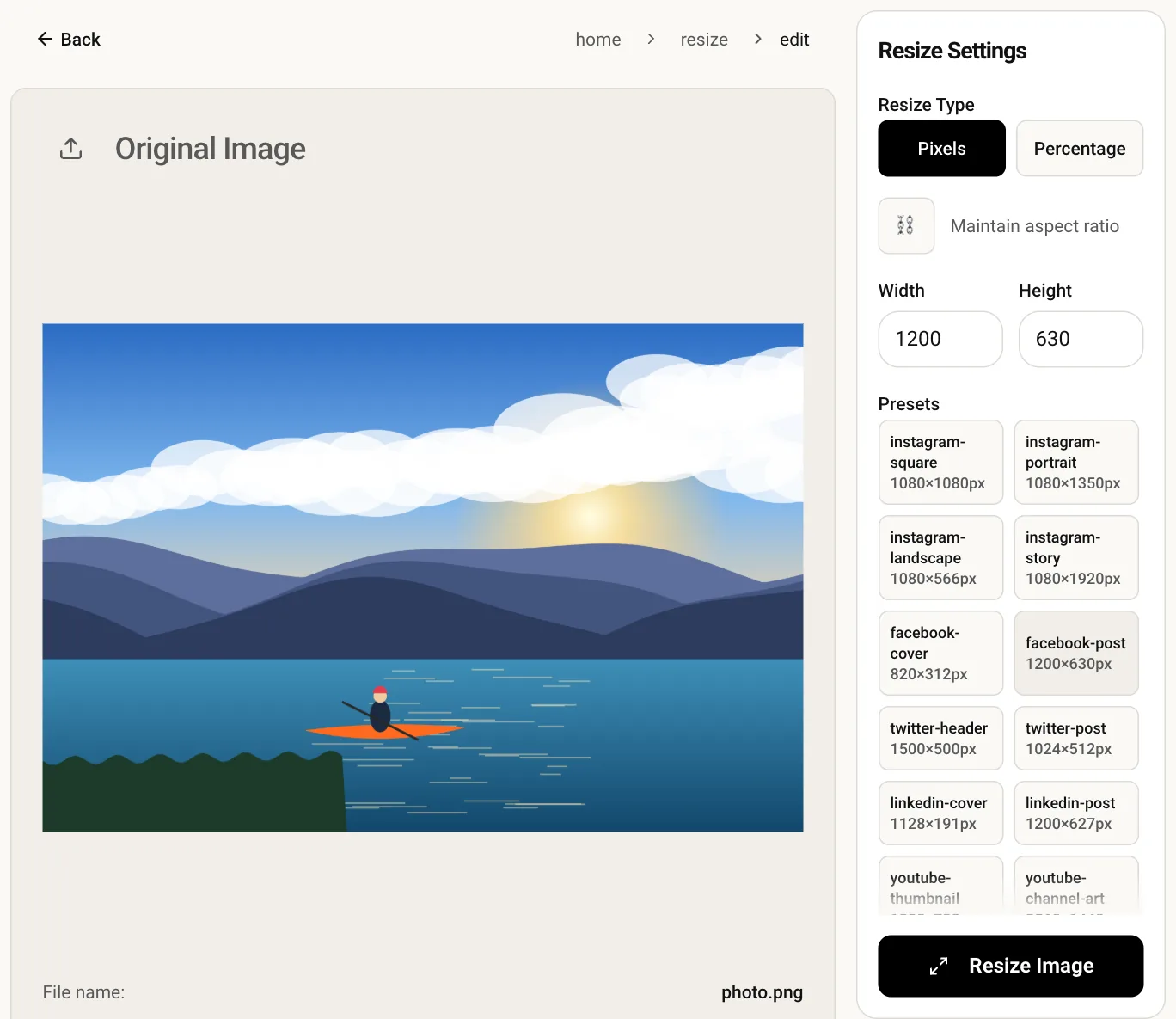
1280 × 720 at 16:9 matches the player frame, so the thumbnail is not cropped or letterboxed in search and the home feed.
Thumbnails appear small in suggestions. Starting from a clean 1280 px canvas keeps faces and bold text readable at that size.
Unreleased video artwork stays private because the resize is drawn locally and no file is sent to a server.
Pick a JPG or PNG from your device, such as a frame export or a design from your editor.
Width and height are entered for you, with the ratio lock off so the output is exact.
Run the resize, preview the 16:9 result and download the file to upload in YouTube Studio.
1280 × 720 pixels at a 16:9 ratio, with a minimum width of 640 px. Files in JPG, GIF or PNG format are accepted.
YouTube limits thumbnail file size and has changed that limit over time, so check the figure shown in YouTube Studio. A PNG of a photo is usually much heavier than a JPG, so convert it with the image converter if the upload is refused.
The video length badge sits in the bottom-right corner, so leave that area free of text and faces. Keep key content toward the center and left.
Setting 1280 × 720 directly would stretch it. Crop to 16:9 first with the crop tool, then resize, so people and text keep their normal proportions.