More screen space per post
A 4:5 frame is a quarter taller than a square at the same width, so your photo takes up more of the feed as people scroll.
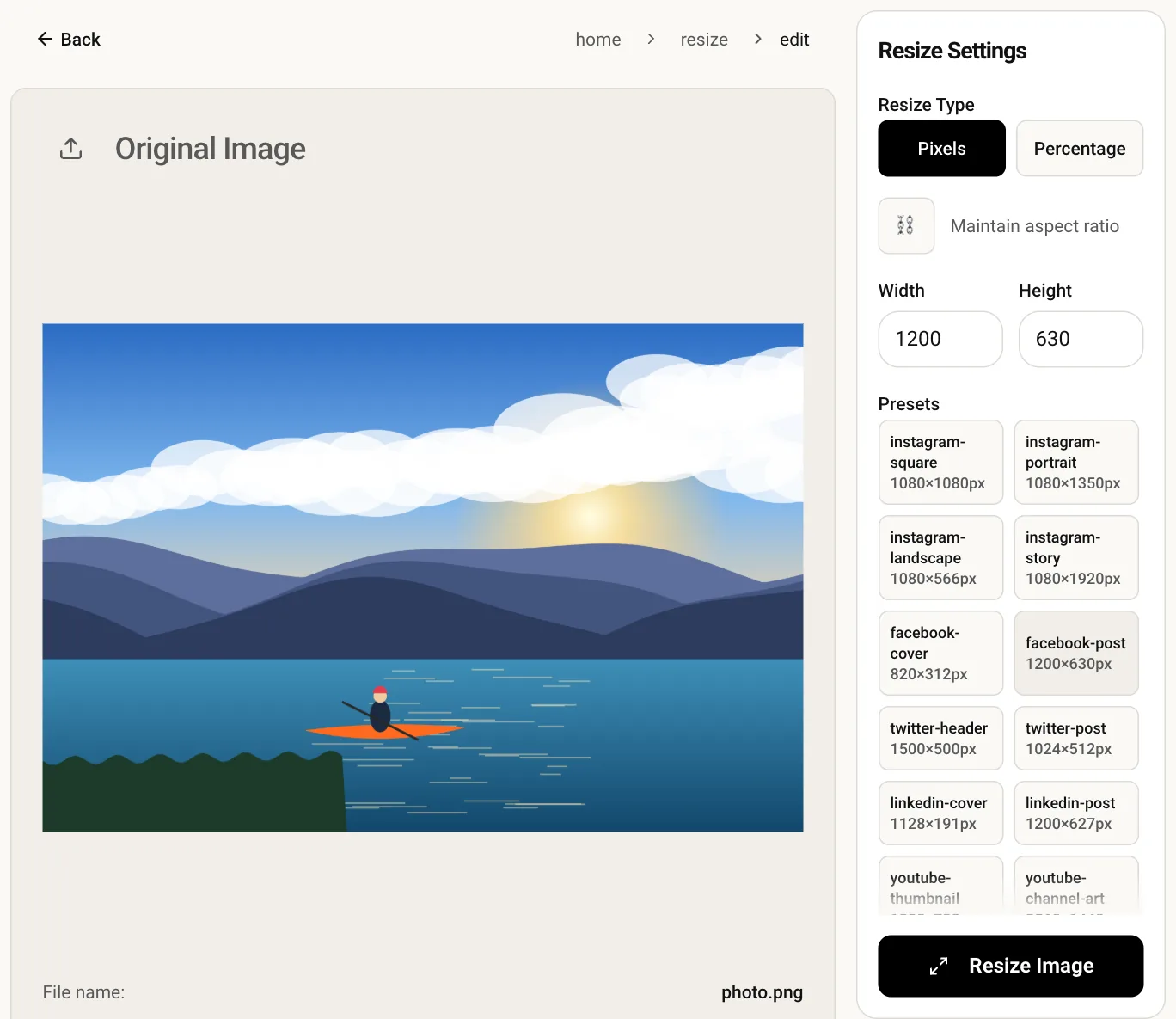
1080×1350 px is a 4:5 portrait, the tall Instagram feed format that fills more of the screen than a square and suits people, outfits and posters. Add your image, check that the size shows 1080 × 1350, and download. The work happens in your browser, so your original is never uploaded.
A 4:5 frame is a quarter taller than a square at the same width, so your photo takes up more of the feed as people scroll.
A 3:4 phone photo only loses a thin strip from the sides to reach 4:5, so very little of the frame gets cut.
Resizing is done locally in the page. Your photo is not sent anywhere and nothing is stored for later.
Upload a vertical JPG, PNG or WebP. Landscape images work too but need cropping first.
Width 1080 and height 1350 are filled in for you. Adjust them only if you want a different portrait size.
Run the resize, preview the 4:5 result and save it, ready to post.
This tool does not add borders. It scales your picture to exactly 1080 × 1350, which stretches anything that is not already 4:5. Trim the photo to 4:5 with the crop tool first; if you want bars instead, place the image on a 1080 × 1350 canvas in a design app.
Every upload is re-encoded on Instagram's servers. Sending exactly 1080 px wide means it is not also rescaled, which keeps text and edges cleaner than a 2000 px original that gets shrunk and recompressed.
Slides after the first are shown in the first slide's shape, so a mix of ratios gets cropped. Resize every slide to the same 1080 × 1350 and the carousel stays consistent.
No, the output keeps the format you uploaded. If you need a different format afterwards, run the result through the image converter.