

To convert a JPG to PNG, decode the JPEG and save its pixels again as a PNG file. The JPG to PNG Converter does that in your browser: add one photo or up to 20, click Convert Image, and download the PNG copies. Two things to know first: the PNG won't get a transparent background just because the format supports one, and it won't look any sharper than the JPG you started with.
Quick route
- To get a PNG copy of a JPG for an upload form, an editor, or a template that only takes PNG, use the JPG to PNG Converter.
- To get a transparent background, converting is not enough. Use the Background Remover, which exports a PNG with the background cut out.
- To make a photo smaller for the web or email, keep the JPG, or convert it with JPG to WebP. A PNG of a photo is usually bigger, not smaller.
How to convert JPG to PNG online, step by step
- Open the JPG to PNG Converter and choose your files. You can add up to 20 images at a time, each up to 50 MB.
- Check that PNG is selected under Output Format. There's no quality slider for PNG, because PNG is lossless. The slider only appears when you pick JPG or WebP.
- Click Convert Image.
- On the result screen, save each file with Download Image. If you converted more than one, Download ZIP gets them all in one archive.
The new file keeps the original name with a .png extension, so beach.jpg becomes beach.png. Everything runs inside your browser tab. Your photos are not uploaded to a server, and you don't need an account. The PNG is drawn from the decoded pixels, so camera metadata such as EXIF and GPS location is not copied into it.
Does converting JPG to PNG make the background transparent?
No. Converting a JPG to PNG keeps the background exactly as it was, so a white backdrop stays white. PNG can store an alpha channel, the part of a file that says how see-through each pixel is. The W3C PNG specification lists "an optional alpha channel" among the format's features (W3C, PNG Third Edition). JPEG has no such channel. MDN puts it in one line: "JPEG does not support an alpha channel" (MDN, Image file type and format guide).
A JPG product photo on a white backdrop therefore has no transparency to carry over, and the converted PNG shows the same photo on the same white backdrop. The format could hold transparency, but nothing in the file marks which pixels should be see-through. Something has to decide where the subject ends and the background begins.
That is what the Background Remover does. Open your JPG there directly; you don't need to convert it first. It removes the background and saves a PNG with the transparency in place. For more on cleaning up white or plain backdrops, see our guide to removing a white background for free.
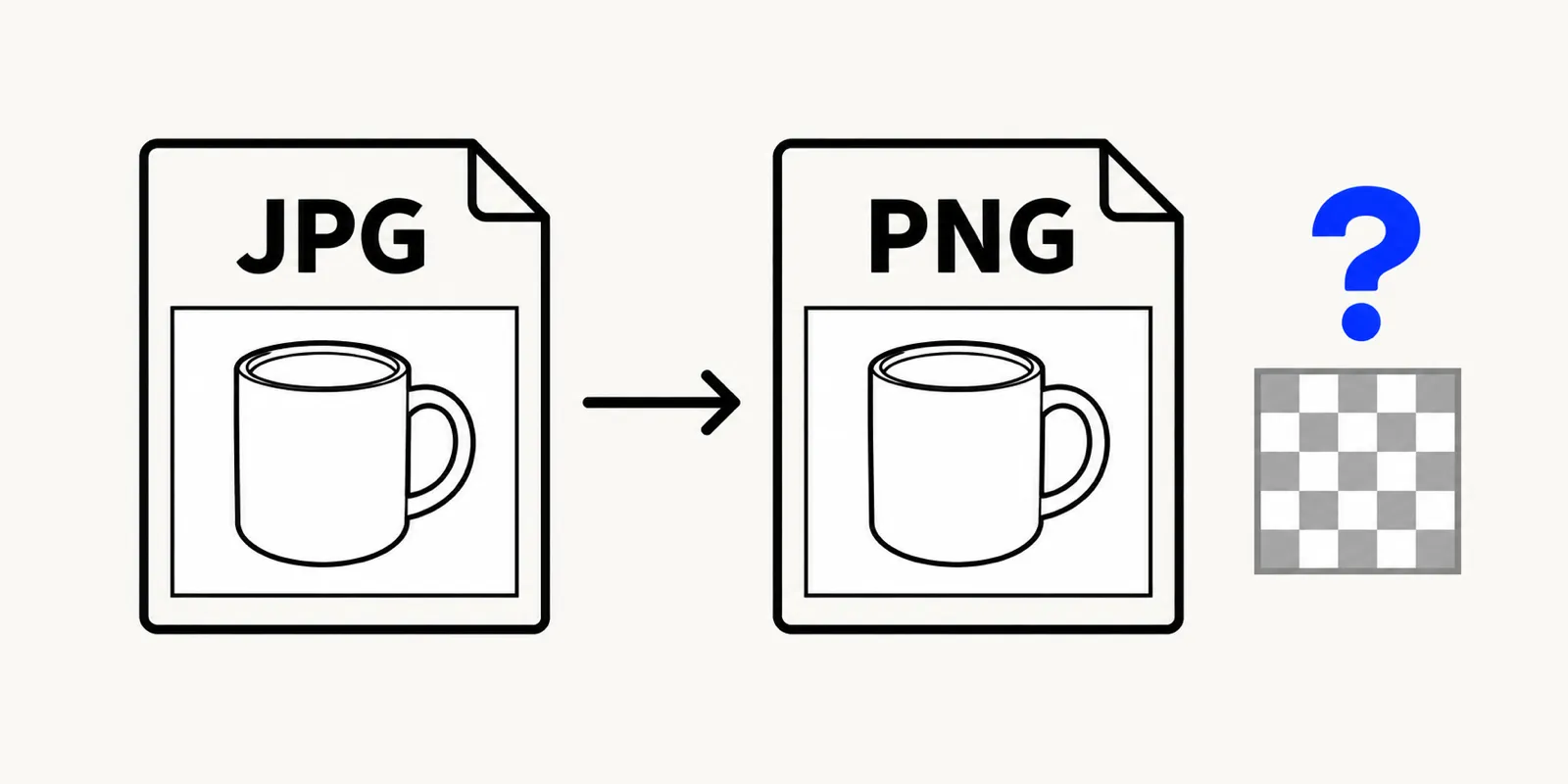
Illustration of a JPG mug photo on a white background converted to a PNG that still has the same white background, next to a checkerboard transparency symbol with a question mark
Will a PNG look better than the JPG?
No. Converting stops further loss, but it can't undo loss that already happened.
JPEG is a lossy format. When the photo was first saved as a JPG, some detail was thrown away to make the file small, and Wikipedia's JPEG article notes that this information "is lost and cannot be restored" (Wikipedia, JPEG). PNG compresses with DEFLATE, which is lossless (W3C, PNG Third Edition). Saving as PNG records the pixels exactly as they are now, including any blocky JPEG artifacts or soft edges already in the photo.
What you do gain is that the image won't get worse from here. Every time a JPG is edited and saved again, it goes through lossy compression again, and the same Wikipedia article says that "some image quality is lost each time the image is recompressed." A PNG can be opened, edited, and saved many times without that extra damage.
Why the PNG file is bigger
For a typical photo, expect the PNG to be noticeably larger than the JPG. Lossy compression is the reason JPGs are small. When the decoded pixels are stored losslessly, PNG has to keep every one of them exactly, and photos are full of fine noise and color variation that lossless compression can't shrink much. Wikipedia's article on lossy compression describes the same effect: decode lossy data and recompress it losslessly, and the result can be close to the size of the original uncompressed data (Wikipedia, Lossy compression).
Graphics behave differently. A screenshot, a chart, or a logo with flat areas of color compresses well as PNG and often looks cleaner than the JPG did. That's in line with MDN's advice to prefer lossless encoding "for screenshots, diagrams, logos, and line art."
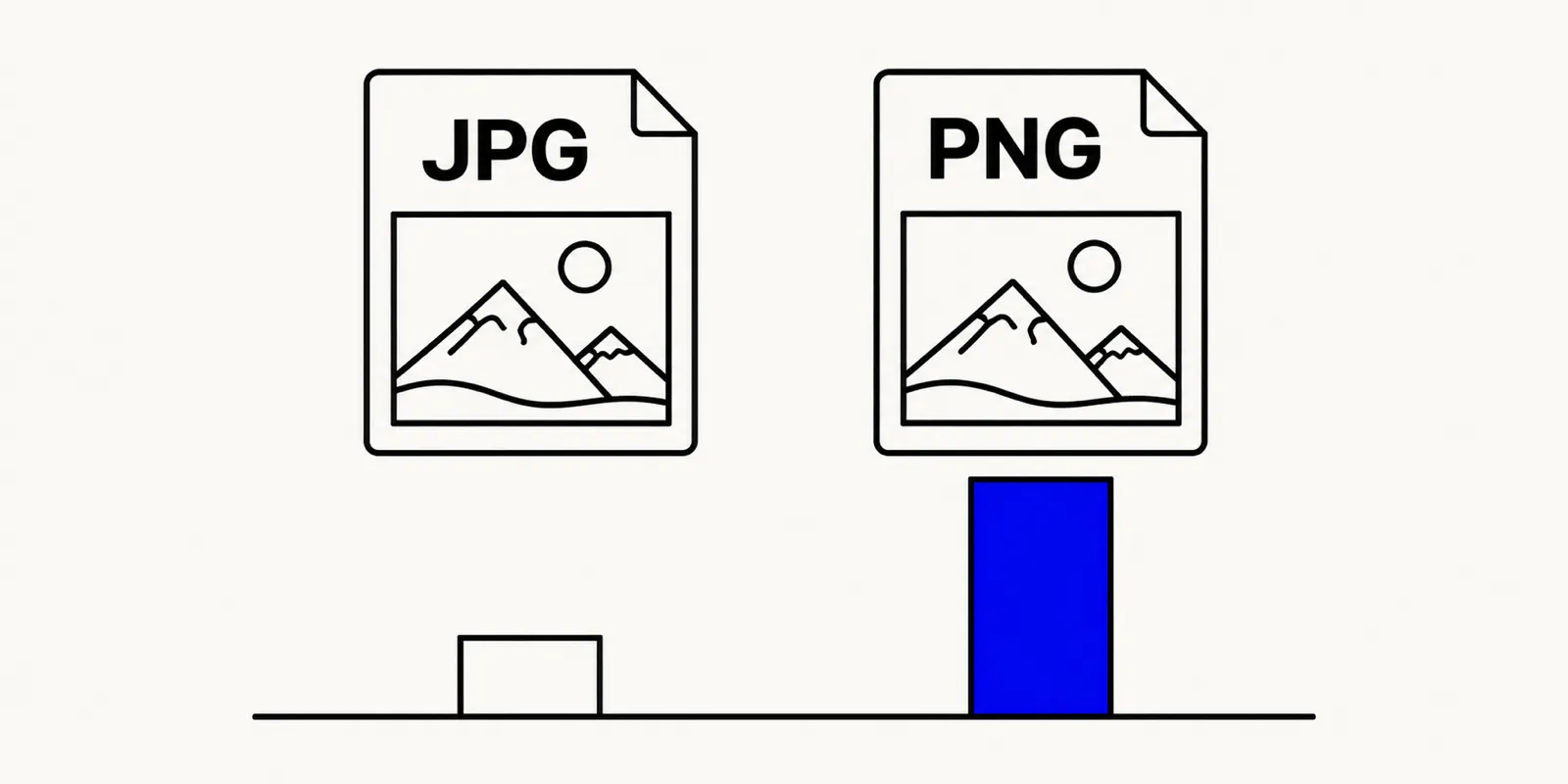
Illustration of the same landscape photo saved as a JPG and as a PNG, with a short bar under the JPG and a much taller bar under the PNG showing the larger file size
When converting JPG to PNG is worth it
- The destination asks for PNG. Some upload forms, print templates, design tools, and app store or marketplace listings accept only PNG. Converting is the simplest fix.
- You're going to keep editing the image. Saving the working copy as PNG means each round of edits doesn't add another layer of JPEG compression. Export a final JPG at the end if you need a small file.
- The image is mostly text or flat graphics. For screenshots, diagrams, and logos that happen to be saved as JPG, a PNG copy stops further artifacts around sharp edges and text.
- You plan to add transparency later. If you'll erase parts of the image in an editor, start from a PNG so the transparent areas have somewhere to go. For backgrounds, the Background Remover handles this in one step.
When to keep the JPG
If the image is a photo that's going on a website, into an email, or onto social media, the JPG is usually the better file. It's smaller, and every app and browser opens it. MDN calls JPEG "particularly useful for photographs." For web pages, both MDN and Google's web.dev guide also suggest newer formats such as WebP and AVIF before PNG or JPEG (web.dev, Choose the right image format). If size is the problem, read how to reduce image file size instead of converting to PNG.
If you end up with a PNG you don't need, the PNG to JPG Converter turns it back. Any transparent pixels get filled with white, because JPG has no alpha channel.
Other ways to convert JPG to PNG
Macs and Windows PCs can also do this with built-in apps.
- Mac (Preview). Open the JPG in Preview, choose File > Export, pick PNG from the Format pop-up menu, and click Save. To convert several files, open them in one Preview window, select them in the sidebar, and follow the same steps (Apple Support, Convert image file types using Preview). In Finder you can also Control-click a file and choose Quick Actions > Convert Image.
- Windows (Paint). Open the image in Paint and save a copy, choosing PNG as the file type. Microsoft's Paint page confirms that Paint "allows you to choose the format when you save your image" (Microsoft, Paint).
- iPhone and Android. We couldn't find an Apple or Google help page describing a built-in way to save a photo as PNG in the Photos apps. A browser converter like the one above works the same way on a phone.
Why renaming .jpg to .png doesn't work
Renaming photo.jpg to photo.png leaves the JPEG data inside untouched. Software identifies a PNG by the first bytes of the file, a fixed signature that every PNG file begins with, and a renamed JPG doesn't have it. Wikipedia's article on filename extensions notes that "the extension can be modified without changing the file's contents" (Wikipedia, Filename extension). Some apps will open the renamed file anyway because they look past the name. Strict upload checks or editors that expect real PNG data may reject it or show an error. A real conversion re-encodes the pixels, which is what the JPG to PNG Converter does.
FAQ: converting JPG to PNG
Is JPEG to PNG the same as JPG to PNG?
Yes. JPG and JPEG are two extensions for the same format, so the JPG to PNG Converter handles .jpg and .jpeg files alike. Our JPEG vs. JPG explainer covers where the two names came from.
Can I convert several JPGs to PNG at once?
Yes. Add up to 20 images in one batch, each up to 50 MB, and download the results one by one or together as a ZIP.
Is it safe to convert private photos online?
With this converter, your photos stay on your device. The conversion runs in your browser, so the files are never uploaded, and you don't need an account.
Convert your JPG to PNG now
If an app or upload form is asking for a PNG, convert once and move on. Open the JPG to PNG Converter for a straight format change. If what you really need is a transparent background, go to the Background Remover instead. Both run free in your browser.