

A file that ends in .jfif instead of .jpg looks like a different format, but in almost every practical sense, it isn't one. The JFIF to JPG Converter turns it into a plain .jpg in seconds, right in your browser, for the rare upload form or piece of software that insists on seeing the more familiar extension.
Quick route
- Use the JFIF to JPG Converter to get a file with the
.jpgextension that any app, form, or printer will recognize. - No sign-up, no upload to a server — the file is processed in your browser.
- Convert up to 20 files at once, 50 MB each, individually or as a ZIP.
What JFIF actually is
JFIF stands for JPEG File Interchange Format. It's the file-container specification that defines how JPEG-compressed image data is actually packaged into a file — headers, markers, and all. It was formalized as an international standard, ITU-T Recommendation T.871 (ITU-T T.871, "JPEG File Interchange Format (JFIF)"), and it's so close to how ordinary JPEG files are already structured that MDN's own format reference treats .jpg/.jpeg and the JFIF container as effectively the same thing in practice (MDN, "Image file type and format guide").
In plain terms: a .jfif file contains the same JPEG-compressed pixel data as a .jpg file. The image itself hasn't been changed, converted, or degraded — only the file extension looks unfamiliar, which is exactly why some software gets confused about whether to accept it.
Illustration of a .jfif file icon and a .jpg file icon shown as nearly identical, connected by an equals sign.
Where the name actually comes from
JPEG, the compression method, only defines how to turn pixel data into a compressed stream of bytes — it doesn't by itself say how that stream should be packaged into a file on disk. JFIF filled that gap not long after JPEG itself was finalized in the early 1990s (Wikipedia, "JPEG"): it's the original, minimal container that wraps a JPEG stream with the handful of header fields a program needs to open it correctly, and it predates almost every other JPEG container format in common use. A separate, closely related container called Exif — the one most digital cameras and phones actually write, since it also stores metadata like capture date and camera settings — follows the same basic structure and is why .jpg files from a camera and .jpg files saved from a browser are both just called "JPEG" even though their internal headers differ slightly. For everyday purposes, software that can open one can open the other; the pixel data underneath is encoded the same way either way.
Why you suddenly have a .jfif file
Most people encounter a .jfif file after simply saving an image from a website, not by choosing the format themselves. Some operating system and browser combinations map the image/jpeg content type to the .jfif extension when you right-click and save an image, instead of the more familiar .jpg. The image format itself hasn't changed — it's the same JPEG data — but the unfamiliar extension is enough to make some upload forms, older apps, or document tools that check the file extension (rather than the actual file contents) reject it outright.
Does this still happen in 2026?
Browser and OS behavior around this has shifted over the years without ever fully disappearing. Which extension a right-click "Save Image As" produces depends on the browser, the operating system, and sometimes a lower-level file-type association — not on anything about the specific website you're saving from. That's why two people saving the exact same photo from the exact same page can end up with a .jpg on one computer and a .jfif on another. If this only started happening to you recently, it's more likely that a browser update or a fresh install changed a default setting than that websites themselves changed how they serve images.
How to convert JFIF to JPG online
- Open the JFIF to JPG Converter and drop in your file, or select up to 20 at once.
- Confirm JPG as the output. Since a JFIF file is already JPEG data at its core, this step mostly just produces a copy with the extension and container most software expects.
- Use the quality slider (10–100) if you want to adjust the balance between sharpness and file size during the re-export.
- Download the result, or download a whole batch together as a ZIP.
The conversion happens entirely in your browser — no account, and the file never uploads to a server at any point in the process.
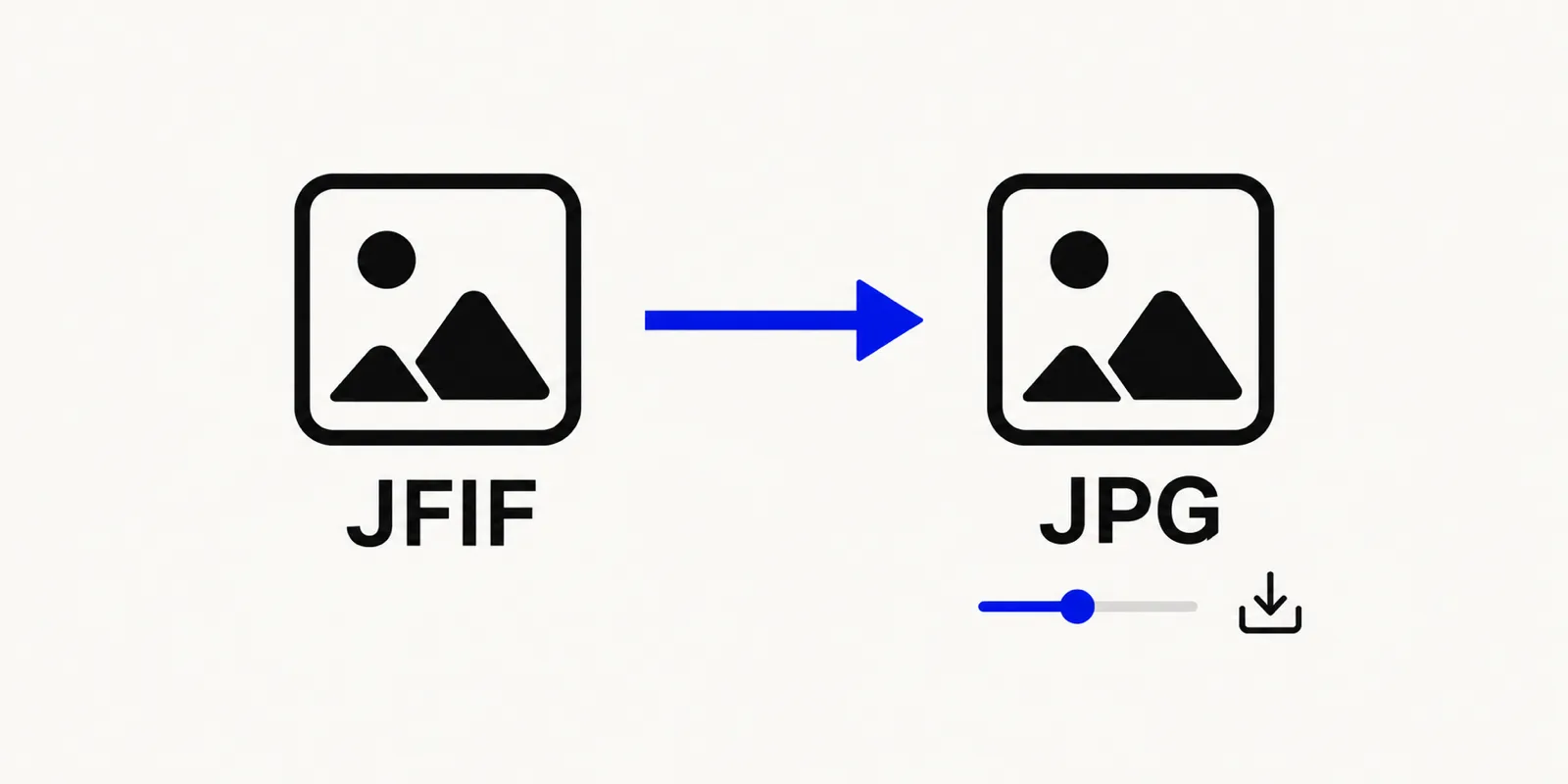
Illustration of a .jfif file being converted into a .jpg file with a quality slider and a download button shown below.
Converting more than one JFIF file at a time
If one download turned out to be .jfif, the rest of that browsing session's saved images probably did too, since the extension comes from how your operating system or browser is currently configured rather than anything about the individual file. Rather than renaming files one by one, drop up to 20 of them into the converter at once, each up to 50 MB, and download the whole batch together as a single ZIP of properly named .jpg files. That's usually faster than tracking down and changing the underlying setting that caused the extension to appear in the first place, especially if you only need this handled once.
Can I just rename the file extension myself instead of converting it?
In most cases, yes — manually renaming photo.jfif to photo.jpg on your own computer works, because the underlying bytes are already a JPEG stream. The reason a dedicated converter is still worth using is that it re-saves the file properly through an actual image pipeline rather than just swapping three letters at the end of a filename, which avoids edge cases where a particular app's file-type detection looks at more than just the extension. It also lets you batch a whole folder at once instead of renaming files one by one, and adjust the quality slider if you want a smaller file while you're at it.
FAQ: JFIF files
Is a JFIF file the same as a JPG file?
For almost every practical purpose, yes. JFIF is the container format specification that most .jpg files already use internally; a .jfif file holds the same JPEG-compressed image data. Converting it with the JFIF to JPG Converter just gives you the extension and packaging that more software recognizes by name.
Will converting JFIF to JPG reduce image quality?
Since the underlying data is already JPEG-compressed, there's minimal additional loss involved. If you adjust the quality slider during conversion, keep it near the top of the 10–100 range to stay as close as possible to the original. The visible difference between a 95-quality re-export and the original is typically not something you'd notice without zooming in and comparing the two side by side.
Why won't my JFIF file upload to a website or app?
Some upload forms and older software check a file's extension rather than its actual contents, and .jfif is unfamiliar enough that they reject it even though the image data inside is ordinary JPEG. Converting once with the JFIF to JPG Converter solves it without needing the site or app to change anything.
Convert your JFIF file now
To sum up: a .jfif extension isn't a sign of a strange or broken file — it's a JPEG wearing an unfamiliar name. Open the JFIF to JPG Converter to get a .jpg copy that every form, printer, and piece of software will recognize immediately, without installing anything or changing how your computer saves downloaded images in the first place.