

If you downloaded an image and it landed with a .avif extension that your photo viewer, editor, or upload form refuses to open, you've run into one of the newer image formats on the web. The AVIF to JPG Converter turns it into a file almost anything can read, right in your browser, with no sign-up required.
Quick route
- Use the AVIF to JPG Converter for the widest compatibility with editors, forms, and printers.
- Use the AVIF to PNG Converter if the AVIF file has transparency you want to keep, or you want a lossless copy.
- Both handle up to 20 files per batch, 50 MB each, with individual or ZIP downloads.
What is an AVIF file?
AVIF stands for AV1 Image File Format. It stores a still image using the AV1 video codec, and it's standardized by the Alliance for Open Media (AOMedia) — the same industry group behind the AV1 video format — in a specification published in 2019 (AV1 Image File Format specification, AOMedia). Because it's built on a video codec designed for efficient compression, AVIF can hold wide color gamuts and HDR data, along with a regular alpha transparency channel, in a single still image.
Google's own guidance on choosing an image format groups AVIF with WebP as the modern alternative to older formats, noting that "WebP and AVIF will generally provide better compression than older formats, and should be used where possible" (web.dev, "Choose the right image format"). That's why a growing number of websites now serve AVIF automatically to browsers that support it, even if you never explicitly downloaded or chose the format yourself.
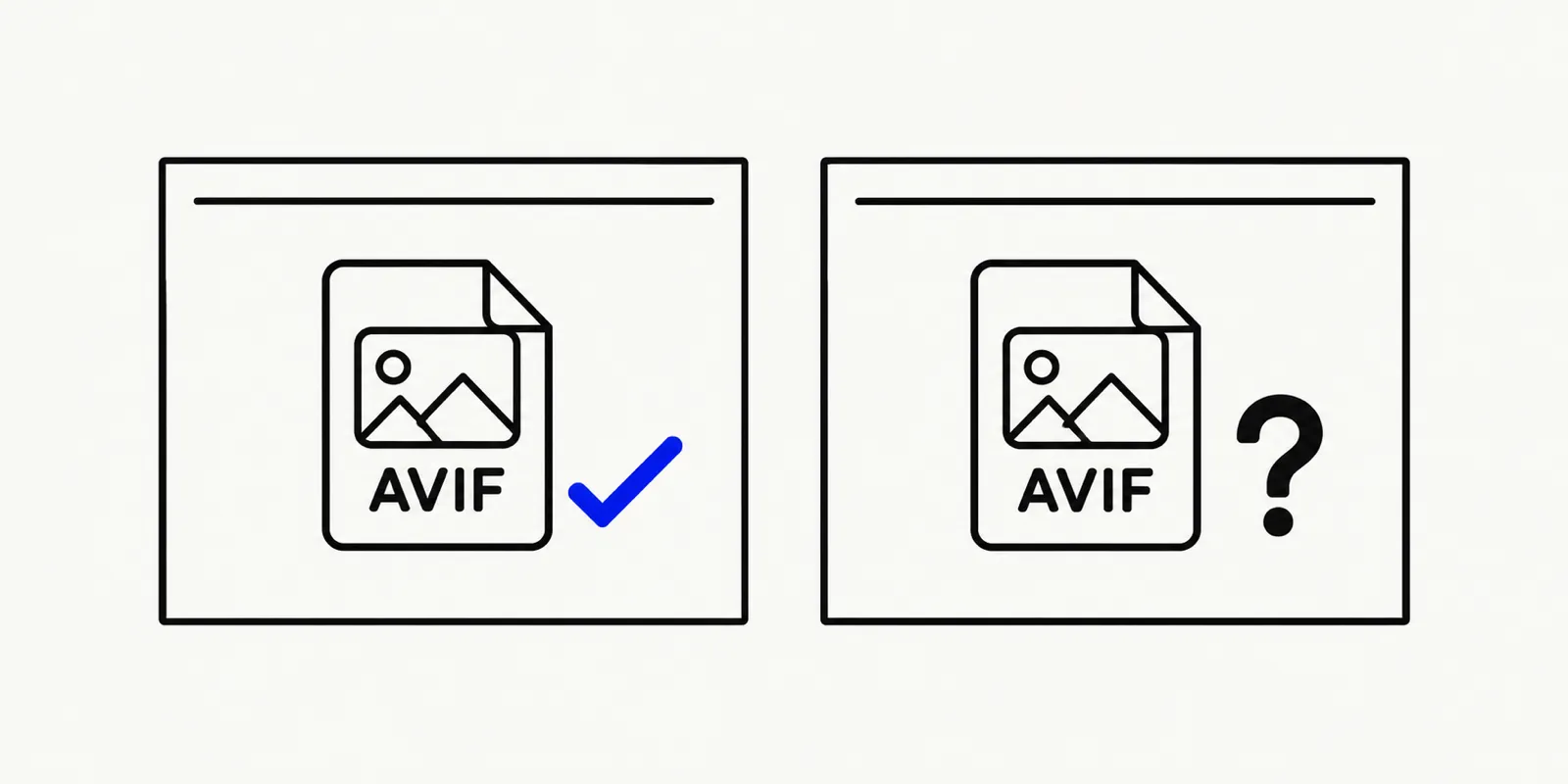
Illustration of an AVIF file icon next to a web browser and a photo editor, with a question mark over the editor to show it can't open the file.
Where you'll run into AVIF files
- Right-clicking "Save Image As" on a modern website. Many sites now serve AVIF to supporting browsers for faster loading, so an image you save from a product page, a blog post, or a social profile may already be AVIF rather than JPG.
- Design and stock-photo exports. Some newer export tools default to AVIF for its smaller file size.
- Screenshots and shares from newer apps. A handful of apps and camera tools have started offering AVIF as an export option alongside JPG and HEIC.
Why AVIF files won't open in some apps
Browser support for AVIF is in good shape by now — you can check the current state on caniuse.com/avif — and every major browser, including Safari since 2023, can display an AVIF image. The gap is everywhere else: many desktop photo viewers, older editing software, document tools, and some upload forms were built before AVIF existed and were never updated to decode it. Because AVIF is a relatively young format, that gap is wider than it is for something like JPEG or PNG, which nearly every piece of software from the last two decades already understands.
Why AVIF compresses so efficiently
JPEG and PNG were both designed decades ago, encoding each image mostly on its own terms. AVIF inherits its compression machinery from AV1, a video codec built to predict and encode each frame of a video efficiently — and a still image is, to that codec, simply a video with one frame. That heritage is also where AVIF's less common capabilities come from: wide color gamut support for displays that can show more color than a typical monitor, and HDR (high dynamic range) data for preserving detail in very bright and very dark areas of the same image at once. Most everyday photos don't need HDR or a wide color gamut to look good, but the option being built into the format is part of why AVIF keeps showing up in more places over time.
Converting a batch of AVIF files at once
If a whole folder of downloaded images turned out to be AVIF rather than JPG — common after saving several images from the same AVIF-serving website — there's no need to convert them one at a time. Drop up to 20 files into either converter at once, each up to 50 MB, and download the finished batch together as a single ZIP.
How to convert AVIF to JPG or PNG online
- Open the AVIF to JPG Converter or the AVIF to PNG Converter, and drop in one file or up to 20 at once (50 MB each).
- Pick JPG for the most universally compatible result, or PNG if you need to preserve transparency or avoid extra lossy compression.
- For a JPG output, use the quality slider (10–100) to balance sharpness and file size; transparent areas in the source will be filled with white, since JPG has no alpha channel.
- Download the converted file on its own, or grab the whole batch as a ZIP.
Everything happens in your browser. The AVIF file never uploads to a server, and there's no account to create.
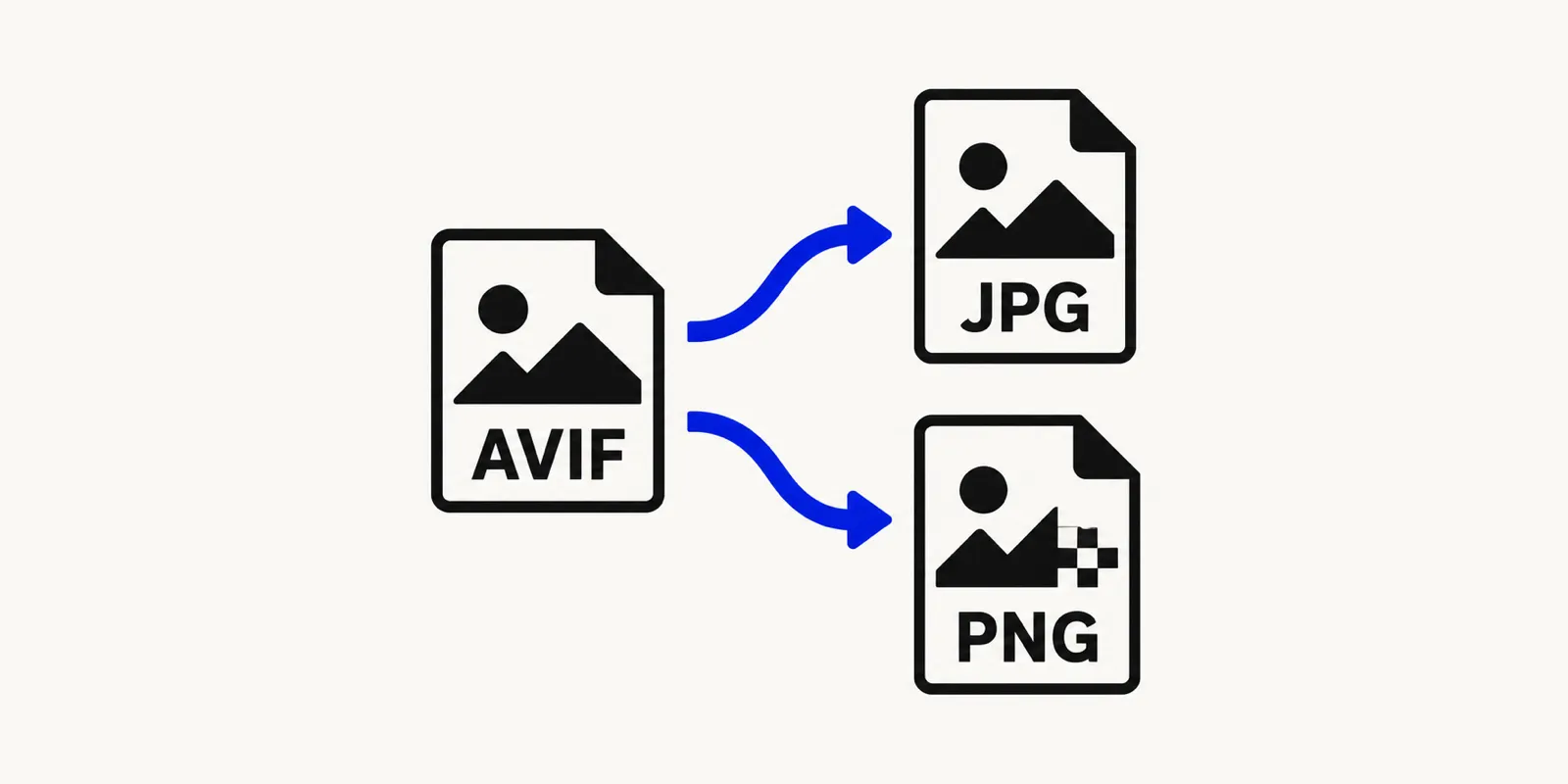
Illustration of an AVIF image with two arrows branching toward a JPG file and a PNG file, showing the two conversion choices.
Why renaming an AVIF file to .jpg doesn't work
Unlike a few format mix-ups where the underlying data is actually compatible, AVIF and JPEG are genuinely different compression formats — one is built on AV1, the other on its own much older encoding scheme. Renaming the file extension without re-encoding the image leaves you with a file labeled .jpg that no JPEG decoder can actually read, which usually produces a broken image rather than a working one. A real conversion, like the one the AVIF to JPG Converter performs, decodes the AVIF data and re-encodes it as genuine JPEG, pixel by pixel.
Are there any downsides to AVIF?
The tradeoff mostly shows up on the encoding side, not the viewing side: producing an AVIF file is typically slower and more computationally intensive than producing an equivalent JPEG, since the encoder does the same kind of frame-prediction work a video encoder does, just once, on a single still image. That's rarely something an everyday user notices — it matters more to the website or app generating the file in bulk than to someone just trying to view or convert one. On the viewing side, the main downside is exactly the compatibility gap this guide covers: a smaller, more efficient file is only useful once whatever you're opening it in actually supports it.
FAQ: AVIF files
Does converting AVIF to JPG reduce quality?
Converting between two lossy formats involves some re-encoding, but at a high quality setting the difference is usually not visible. Use the AVIF to JPG Converter with the quality slider near the top of its range if the image matters a lot.
Why would I pick PNG instead of JPG when converting an AVIF file?
Choose PNG when the AVIF image has transparency you need to keep, or when you plan to edit the image further and want to avoid adding another layer of lossy compression. The AVIF to PNG Converter preserves the alpha channel; JPG does not.
Is AVIF better than WebP?
They're both modern, efficient formats built for smaller file sizes than JPEG or PNG, and official guidance from Google treats them as roughly equivalent options rather than ranking one above the other. Which one you encounter usually comes down to what the website or app that produced the file chose to use, not a quality difference you'll notice day to day.
Open your AVIF file now
An AVIF file isn't broken — it's just newer than the software trying to open it. Convert it once with the AVIF to JPG Converter for the widest compatibility, or use AVIF to PNG when you need to keep transparency, and you'll have a file that opens anywhere without installing anything.