
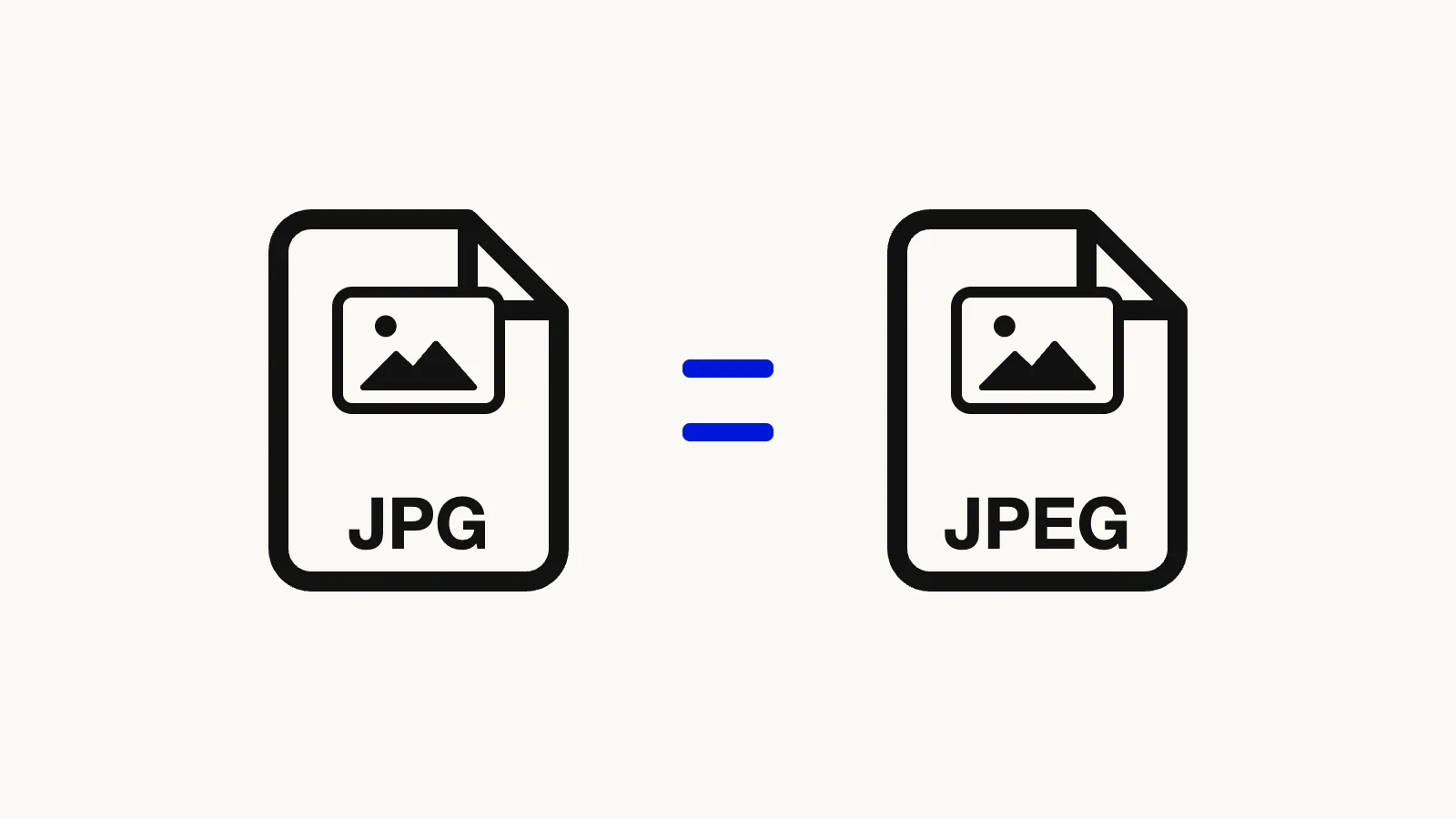

There is no difference between JPEG and JPG. They are the same image format with two spellings of the file extension, and a file named photo.jpeg and the same file named photo.jpg open identically everywhere. If a site or app insists on one spelling, renaming the file is enough. If the file is not really a JPEG (a PNG, HEIC, or WebP with the wrong extension), renaming does not help and you need the free Image Converter, which runs in your browser.
Quick route
- Real JPEG file, wrong spelling: rename it. Steps for Windows and Mac are below, and nothing about the picture changes.
- PNG, HEIC, WebP, or AVIF that a form rejects: convert it with the Image Converter, or jump straight to PNG to JPG, HEIC to JPG, or WebP to JPG.
- A
.jfiffile: see What Is a JFIF File? or use JFIF to JPG.
JPEG and JPG are the same format
JPEG stands for Joint Photographic Experts Group, the committee that wrote the standard. The core specification was approved in September 1992 as ITU-T Recommendation T.81 (Wikipedia, "JPEG"), and the committee itself still describes JPEG 1 as ISO/IEC 10918-1 and ITU-T T.81 (JPEG committee, "JPEG 1"). Nothing in that standard depends on whether the file ends in three letters or four.

The IANA media type registry confirms it from the web side. There is one registered type, image/jpeg, and its entry lists both jpg and jpeg as file extensions (IANA, "image/jpeg"). The spelling of the extension does not create a second type. Microsoft's own list of common extensions groups them too, as "jpg, jpeg" for a Joint Photographic Experts Group photo file (Microsoft Support, "Common file name extensions in Windows").
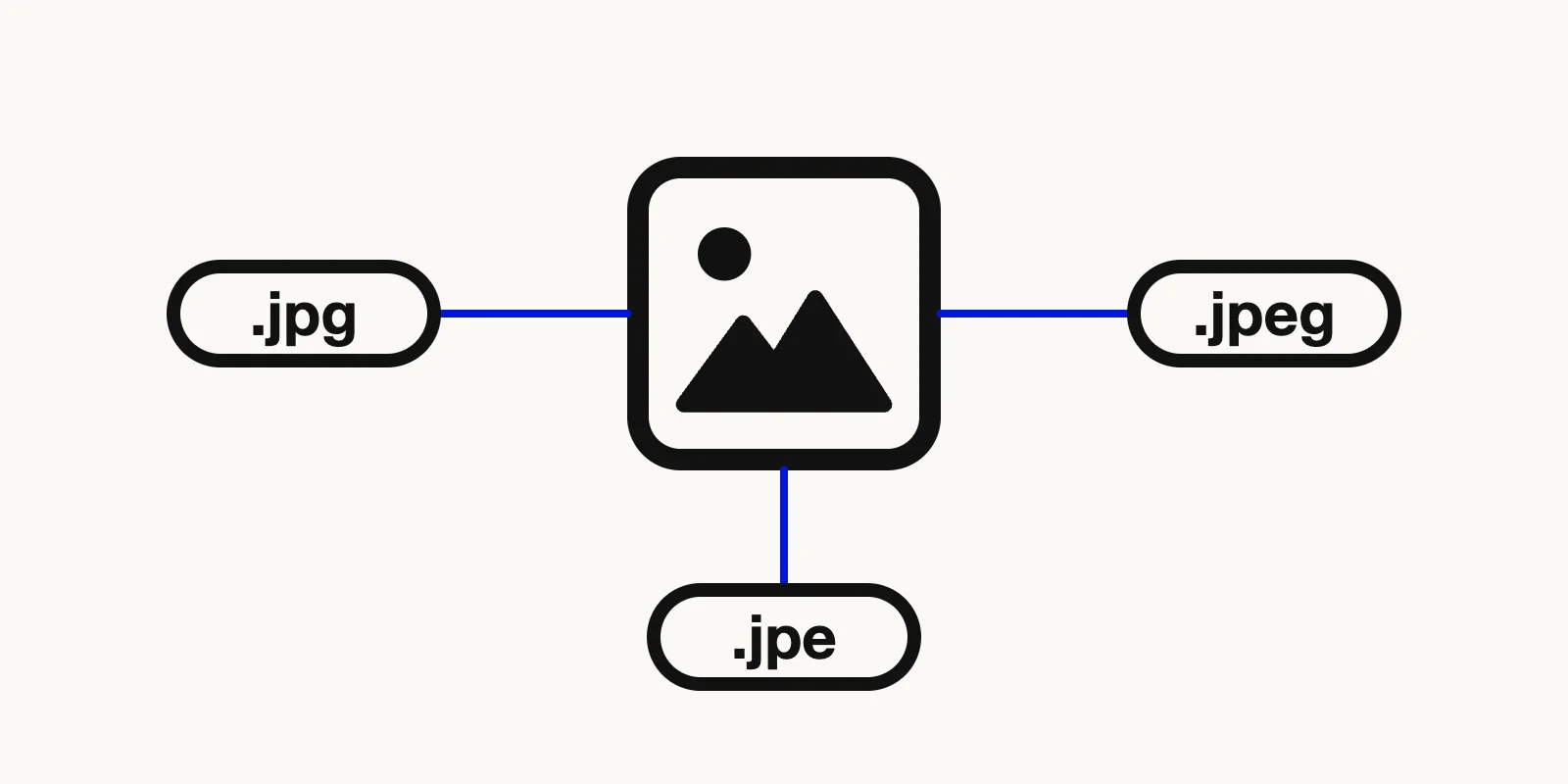
Illustration of .jpg, .jpeg, and .jpe file names all pointing to one and the same picture.
Why there are two spellings
The short one comes from old file systems. The 8.3 filename convention allowed at most eight characters for a name and three for the extension, and it was used by early versions of DOS and by Windows versions before Windows 95 and NT 3.5 (Wikipedia, "8.3 filename"). A four-letter .jpeg did not fit, so .jpg became the form people used on those systems. That is the usual explanation, and it matches the timeline: JPEG arrived in 1992, in the middle of the 8.3 era. Later systems allowed long names, but .jpg was already everywhere, and it never went away.
So the two spellings are a leftover from a technical limit, not two products.
Other extensions you may meet
JPEG files turn up under a few more suffixes. Wikipedia lists .jpe, .jfif, and .jif as additional extensions for the same compression (Wikipedia, "JPEG"). The Library of Congress format description for JFIF 1.02 gives jpg, jpeg, jfif, and jif as filename extensions, says jpg is the most frequently used, and gives image/jpeg as the media type (Library of Congress, "JPEG File Interchange Format, Version 1.02").
The .jfif one is the one people actually bump into, usually after saving an image from a browser. We cover it in What Is a JFIF File?, so this article does not repeat the details. The short version: it is still JPEG data.
One caveat about our own converter: its file check names .jpg, .jpeg, and .jfif but not .jpe. If a .jpe file gets rejected, rename it to .jpg first.
How to change .jpeg to .jpg on Windows and Mac
Renaming only changes the name. Microsoft states plainly that changing an extension "won't convert the file to another format" (Microsoft Support). For a file that already is a JPEG, that is exactly what you want, because the pixels stay untouched.
Windows:
- Open File Explorer and select View > Show > File name extensions on Windows 11. On Windows 10, tick File name extensions under View (Microsoft Support).
- Select the file and press F2, the shortcut Microsoft lists for renaming the selected item (Microsoft Support, "Keyboard shortcuts in Windows").
- Change
.jpegto.jpgand press Enter.
Mac:
- In the Finder, choose Finder > Settings, click Advanced, and select Show all filename extensions (Apple Support, "Show or hide filename extensions on Mac").
- Select the file, press Return, type the new name, and press Return again (Apple Support, "Rename files, folders, and disks on Mac").
Apple warns that changing an extension can stop a file from opening in the app that created it. For .jpeg to .jpg that is not a real risk, since every image app opens both. You can also switch on Show warning before changing an extension in the same Advanced pane if you like a confirmation prompt.
Going the other way, from JPG to JPEG, is the same rename in reverse. Change .jpg to .jpeg. Our converter cannot do this one for you, because it always writes the .jpg spelling (more on that below). A rename takes five seconds anyway.
When renaming is not enough
This is where most real problems start. An extension is just a label. The format is decided by what is inside the file, and a real JPEG begins with the bytes FF D8 FF, according to the IANA entry for image/jpeg. If you rename screenshot.png to screenshot.jpg, the file is still a PNG wearing a JPG label.
Some apps will cope with that and some will not. A strict upload form, a print service, or an older program may check the contents, and then the "fix" fails. The same is true for an iPhone .heic photo and a .webp image saved from a website. Rename them all you like; to get a genuine JPEG you have to convert them.
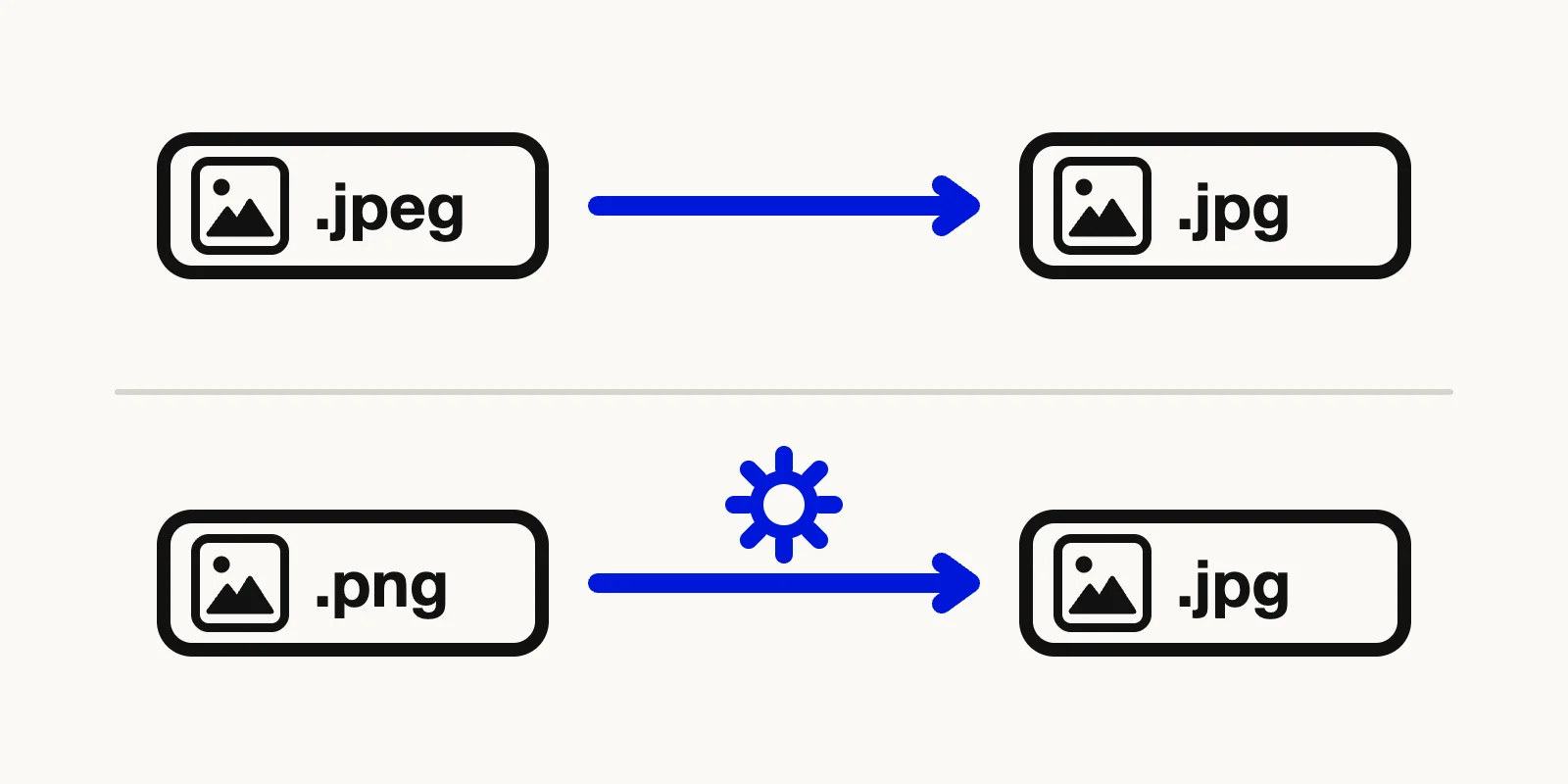
Illustration contrasting a renamed PNG that is still a PNG inside with a converted file that is a real JPEG.
The converter handles these cases. For step-by-step help with the two most common ones, see How to Convert HEIC to JPG and How to Convert WebP to JPG.
How to convert an image to a real JPG
- Open the Image Converter and add your files. If you start from a preset such as PNG to JPG, JPG is already chosen as the output.
- On the generic converter page, open Output Format and pick JPG. The input can be AVIF, PNG, JPG, WebP, HEIC, GIF, or BMP, and files up to 50 MB each are accepted.
- Drag the Quality slider if you want to. It runs from 10% to 100% in steps of 10 and starts at 90%.
- Click Convert Image. Each result is named after the original with a
.jpgending, soholiday.heicbecomesholiday.jpg. - Click Download Image for one file. If you converted several, a Download ZIP button appears.
You can queue up to 20 files at once. Everything is processed in your browser tab, so the pictures are not uploaded to a server, and there is no sign-up.
A few honest limits. The converter never writes .jpeg; the output is always .jpg. JPG has no transparency, so transparent areas are filled with white. A GIF is converted from its first frame only. And because every conversion decodes and re-encodes the picture, you should not run an existing JPEG through it just to change the spelling. Rename it instead.
Quality and lossy compression in one minute
JPEG is a lossy format: it shrinks files by throwing away detail the eye is least likely to miss. The amount is adjustable, which gives a selectable trade-off between file size and image quality, and about 10:1 compression usually cannot be told apart from the original by eye (Wikipedia, "JPEG").
In practice that means a high quality setting for photos you plan to keep, and a lower one when the file has to be small. The converter labels the JPG option "Lossy compression", and PNG, which is lossless, ignores the slider. For a deeper comparison of formats, read Image Formats and Quality Guide, or see How to Reduce Image File Size if size is the goal.
FAQ: JPEG vs JPG
Is JPEG higher quality than JPG?
No. Both names describe the same format, and quality depends on the compression setting used when the file was saved, not on the spelling of the extension. Renaming .jpg to .jpeg, or the reverse, changes nothing about the image.
Can I rename a PNG or HEIC file to .jpg?
You can change the name, but the file stays a PNG or HEIC inside. Microsoft notes that changing an extension does not convert the file to another format. Use the Image Converter to get a real JPEG, for example with HEIC to JPG.
Does the converter turn files into .jpeg?
No. When you choose JPG as the output format, the downloaded file ends in .jpg. It does accept .jpeg files as input. If you need the four-letter spelling, rename the downloaded file.
Get a real JPG file
If renaming did not fix the problem, the file probably is not a JPEG yet. Open the Image Converter, choose JPG, and download a proper file in a few seconds.