
Instagram Carousel Splitter – Split Panoramic Photos
Turn panoramic photos into seamless Instagram swipe slides.
Create a Seamless Panorama in 5 Steps
Our simple workflow turns a single wide image into a polished carousel that keeps your audience swiping.
- Step 1
Upload Your Panorama
Upload one wide-format artwork, panoramic photo, or campaign hero image.
- Step 2
Choose Slide Count
Select between 2 and 6 slides to set the length of your swipe-through story.
- Step 3
Perfect the Flow
Drag and zoom the image so important lines and subjects flow naturally across the seams.
- Step 4
Generate and Preview
Generate 1080×1350 PNG slides and preview the seamless swipe sequence — no sign-up needed.
- Step 5
Download
Export individual PNG slides or grab the complete ZIP, perfectly named for sequential posting.
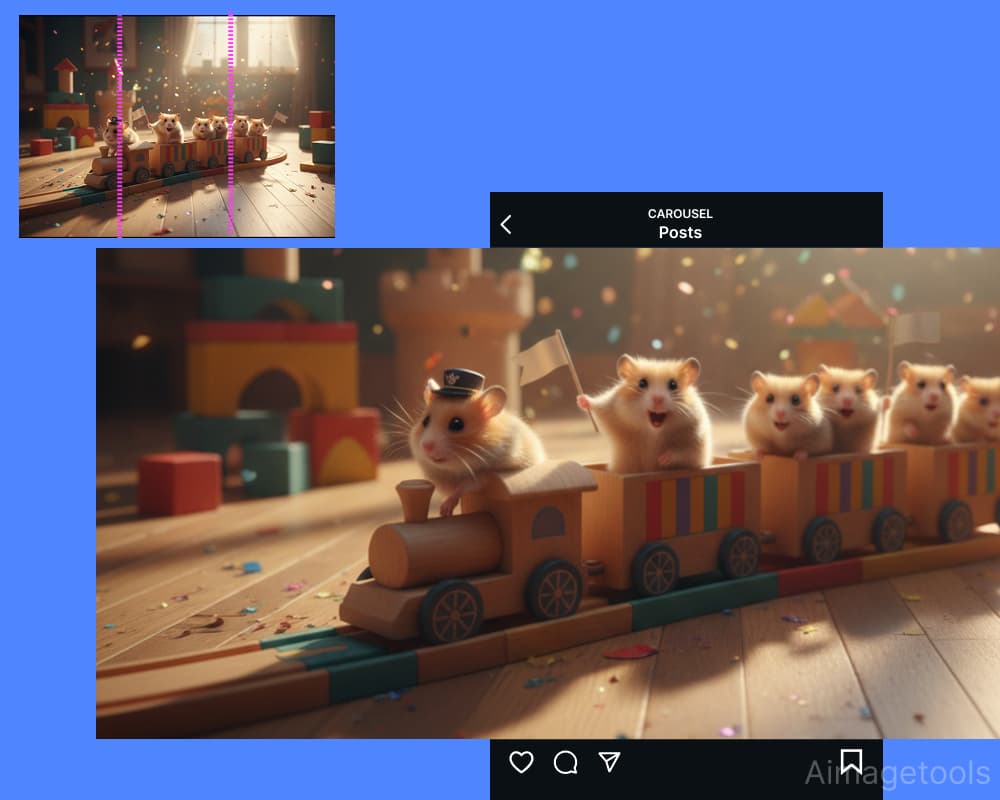
Tips for a Higher Swipe-Through Rate
Hook with the First Slide
Start with your boldest statement—a hero product, an intriguing headline, or the most stunning part of the landscape.
Keep Lines Level
Use the preview to ensure horizons, text, and graphic elements align perfectly for a truly seamless feel.
End with a Clear CTA
Use the final slide to guide your audience: 'Visit link in bio,' 'Save this post,' or ask a question.
Frequently asked questions
What is the correct size for a seamless carousel?
Each slide should be 1080×1350 pixels (a 4:5 ratio). Our tool automatically resizes every exported slide to these ideal dimensions.
How many slides can I make from one picture?
You can split a single image into 2 to 6 slides, allowing you to create short reveals or immersive stories.
How do I make sure the panorama looks seamless?
Yes, our panorama split tool gives you full control. Drag and zoom the image until the preview shows a perfect, continuous flow between slides.
Are my images processed on a server?
Processing happens locally in your web browser — the image is never uploaded, and no sign-up is needed.
How do I post the slides in the right order?
Download the ZIP file. All slides are numbered in sequence (01, 02, 03...) so you can upload them from left to right without any guesswork.