
Twitter Image Splitter | Twitter 4 Split for X Threads
Split long images into 4 panels for X threads and Twitter posts
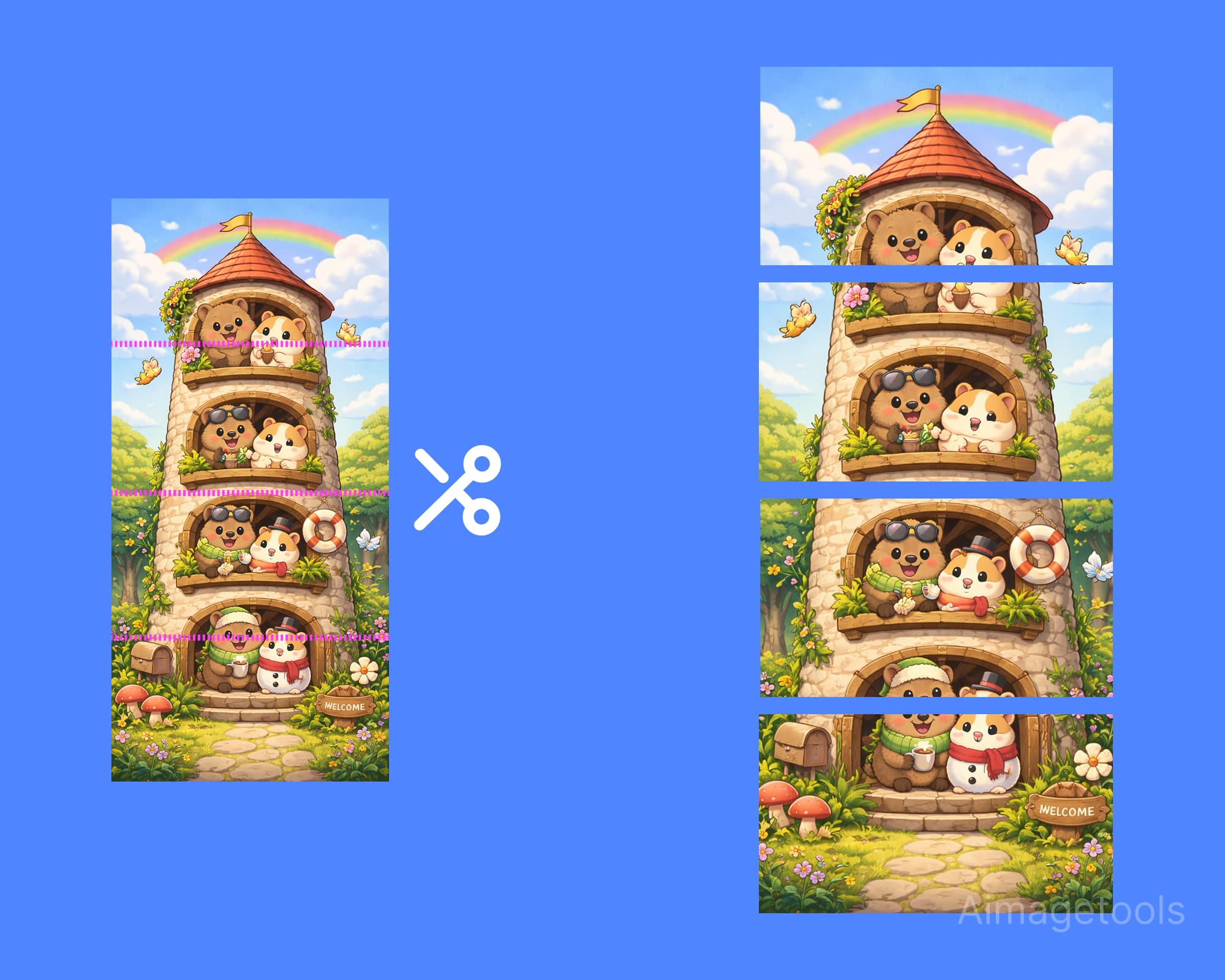
Create seamless vertical threads on X. Our Twitter image splitter cuts long images into clean 1920×1080 panels for Twitter 4 split workflows, X split image posts, and multi-image threads without awkward cropping.
How to Create a Twitter 4-Way Split
Split your tall vertical image into a seamless multi-tweet thread.
- Step 1
Upload Image
Upload your long vertical image.
- Step 2
Choose Split Count
Select 4 panels (default) or choose 2, 3, or 5.
- Step 3
Download
Download the split panels and post them in order.
Tips for Twitter 4 Split Threads
16:9 Aspect Ratio
Each panel is optimized to 16:9 for the best vertical display on X.
Post in Order
Upload the images in the numbered order to maintain continuity.
High Resolution
Images are resized to 1920x1080 for crisp quality.
Frequently Asked Questions
What size is each Twitter split image?
Each panel is resized to 1920×1080 pixels so your Twitter or X thread images stay crisp and consistent.
Can I make a Twitter 4 split or choose another panel count?
Yes. The default is a Twitter 4 split, and you can also choose 2, 3, or 5 vertical panels depending on your thread layout.
Does this work for long images on X threads?
Yes. Upload a long vertical image, split it into panels, and post the files in order for a cleaner X thread reading experience.
Advertisements
Advertisements