
Batch Image Splitter & Grid Reuse
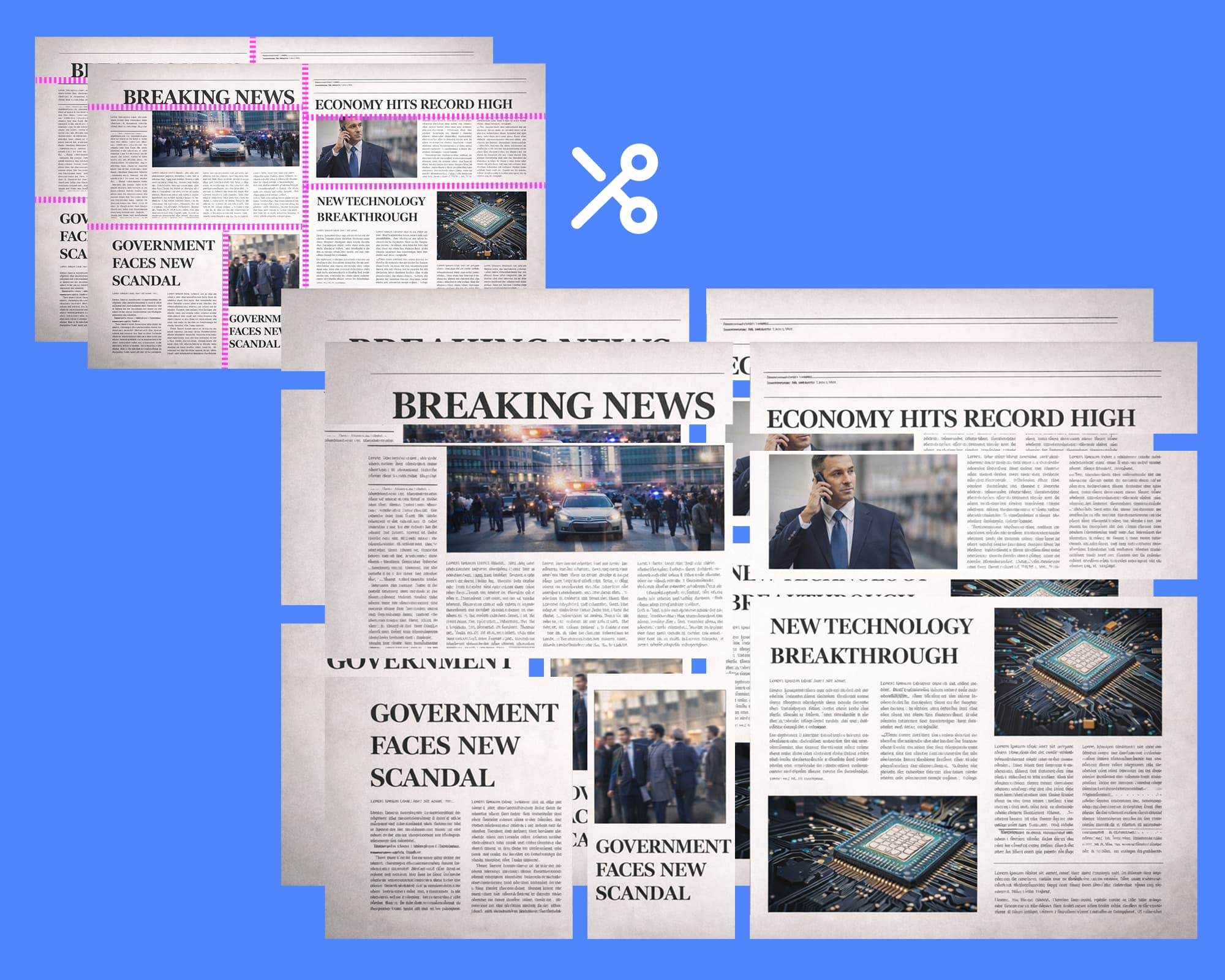
Design a custom grid, preview it once, then batch apply it to every image you upload. Download a neatly packaged ZIP in seconds, all without leaving the browser.
How to Batch Split with a Saved Layout
Follow these steps to preview your grid once and export consistent slices for every asset in the queue.
- Step 1
1. อัปโหลดภาพของคุณ
เพิ่มภาพหนึ่งภาพหรือมากกว่าที่คุณต้องการประมวลผลด้วยเค้าโครงที่กำหนดเองเดียวกัน
- Step 2
2. เลือกโหมดอิสระสำหรับเค้าโครงแบบแถว
เลือกโหมดอิสระเพื่อตั้งค่าจำนวนแถว จากนั้นกำหนดจำนวนคอลัมน์ที่ไม่ซ้ำกันให้กับแต่ละแถว ลากจุดจับตัวแบ่งเพื่อสร้างเค้าโครงที่ไม่สมมาตรด้วยความแม่นยำระดับพิกเซล
- Step 3
3. หรือใช้โหมดกริดสำหรับการเลือกเซลล์แบบภาพ
สลับไปยังโหมดกริดเพื่อเลือกขนาดกริด (สูงสุด 5×5) คลิกและลากเพื่อเลือกเซลล์ จากนั้นรวมเข้าเป็นพื้นที่ที่กำหนดเอง เหมาะสำหรับการสร้างเค้าโครงที่ซับซ้อนและไม่สม่ำเสมอด้วยภาพโดยไม่ต้องปรับตัวแบ่งด้วยตนเอง
- Step 4
4. ปรับแต่งเค้าโครงของคุณ
ปรับแต่งการออกแบบของคุณโดยการปรับตำแหน่งตัวแบ่ง สลับสีคำแนะนำเพื่อการมองเห็นที่ดีขึ้น และใช้การควบคุมการซูมเพื่อการจัดตำแหน่งที่แม่นยำ
- Step 5
5. ดูตัวอย่างและแบ่งเป็นชุด
ใช้กริดของคุณกับภาพที่อัปโหลดทั้งหมดทันทีด้วยฟีเจอร์ 'แบ่งเป็นชุด' จากนั้นดาวน์โหลดสินทรัพย์ของคุณเป็น ZIP
Why Teams Love the Batch Splitter
Consistent Deliverables
Guarantee the same crop and aspect ratio across campaign variants, UI states, or localisation sets.
Saved Layout Memory
Once you preview a layout, it’s ready for every new session — no need to rebuild your grid from scratch.
ZIPs by Original Filename
Each exported folder uses the original filename, with numbered slices that stay in posting order.
Batch splitting FAQs
Do I have to preview every image before downloading?
Nope. Previewing once saves the layout to your browser. Every other image in the batch reuses that grid automatically.
How are the ZIP files organised?
Each original image gets its own folder named after the file. Inside, slices are numbered from left to right, top to bottom.
Can I keep working while the batch exports?
Yes. The export runs in-browser. You can tweak the layout or upload more images while the ZIP is preparing.
Is my data still private with batch processing?
Absolutely. Everything happens locally in your browser — nothing is uploaded or stored on our servers.